


One connected workspace
Keep essential operational information together instead of relying on disconnected notebooks, spreadsheets and messaging threads.

TondeSoft · Opérations d’entreprise
Holistic church administration software honoring ministry workflows. Manages member directory, branch networks, pastoral visitation schedules, digital tithe collections via Mobile Money, and transparent financial stewardship reports.
Organize members, departments, attendance, giving, events, pastoral records, expenses and church financial reporting.
Designed for
Opérations d’entreprise
Product focus
Connected operations
TondeSoft approach
Software that adapts to the way your business works.
A better way to manage
ChurchERP helps leaders keep member records, track attendance, manage ministries and report on giving. Finance teams get clear records, and pastors get information to care for people.
Ideal for: Churches, mega-ministries, dioceses, faith-based non-profit organizations.
Keep essential operational information together instead of relying on disconnected notebooks, spreadsheets and messaging threads.
Give team members defined responsibilities and help managers review actions, approvals and outstanding work.
Use structured records and reports to understand activity, identify exceptions and make more informed decisions.
Discuss your branches, approval steps, reports and local operating requirements during product configuration.
Designed around your industry
A useful management system should connect the work people do every day with the information owners and supervisors need to make decisions.
Membership, attendance, departments, events, giving, welfare and expenditure need transparent and respectful administration.
Maintain member records, ministry groups, attendance, event registrations, giving entries, expenses and approval workflows.
Review participation, giving summaries, event activity, fund movements and budget performance with appropriate access controls.
Problems we solve
A single directory of members, families and groups.
Visitor records assign follow-up to the right person.
Entries are linked to funds, services and receipt references.
Before and after
System capabilities
A closer look at the functions that can support your day-to-day activities. The final module setup can be aligned to your organization’s processes.
Maintain member profiles, account activity and service history with clear transaction references.
Manage digital tithe & offering portal with consistent records, clear ownership and information that can be reviewed by the right team members.
Manage department & cell fellowship rosters with consistent records, clear ownership and information that can be reviewed by the right team members.
Manage pastoral sms & devotional dispatch with consistent records, clear ownership and information that can be reviewed by the right team members.
Turn daily activity into useful summaries for supervisors, owners and management.
Manage user roles and access control with consistent records, clear ownership and information that can be reviewed by the right team members.
Module explorer
Search the 31 modules covered in the feature catalogue to find the exact function you need.
A real-time command centre giving church leadership an at-a-glance view of membership growth, attendance trends, giving totals, and upcoming events…
A complete digital register of every church member, including personal details, membership status, and history, replacing paper registers with a…
Groups members into household and family units, making it easy to track family relationships, communicate with entire households, and understand the…
Captures and follows up on first-time and returning visitors, helping pastoral teams track engagement and convert visitors into active members.
Manages small groups, cell churches, or home fellowships, including membership, leadership, meeting schedules, and growth tracking.
Coordinates multiple church branches or campuses from one system, giving central oversight while allowing each branch to manage its own local records.
Enables pastors to log counselling sessions, prayer requests, hospital visits, and follow-ups, ensuring every member receives timely spiritual and…
A dedicated module for submitting, tracking, and responding to prayer requests, keeping the prayer ministry organised and responsive.
Manages marriage counselling, wedding registrations, and related documentation, streamlining the entire process from counselling to ceremony.
Handles registration, attendance, and safety check-in/check-out for children's church, giving parents and workers peace of mind.
Organises classes, curricula, teachers, and learner progress for Sunday School programmes across all age groups.
Records tithes, offerings, and donations per member or anonymously, with automated statements and giving history for accountability and tax purposes.
A full church accounting suite covering income, expenditure, budgets, and financial reporting, keeping the ministry's finances transparent and…
Tracks church-owned assets such as equipment, vehicles, and property, including maintenance schedules and depreciation.
Manages stock for church stores, bookshops, or supplies, tracking inventory levels, sales, and restocking needs.
Coordinates welfare support, benevolence funds, and assistance programmes for members in need, with full tracking of requests and disbursements.
Plans, schedules, and manages church events and programmes, from registration through to post-event reporting.
Organises church ministries and departments, their members, leaders, and activities, all in one structured module.
Recruits, schedules, and tracks volunteers serving across ministries, simplifying rostering and recognising service.
Tracks outreach campaigns, mission trips, and evangelism activities, including converts, follow-up, and mission funding.
Manages church building projects and initiatives with timelines, budgets, and progress tracking from planning to completion.
Sends bulk SMS, email, and in-app announcements to members, groups, or branches, keeping the whole congregation informed.
Archives sermons, videos, and audio recordings for members to revisit, share, or catch up on missed services.
Delivers automated alerts and reminders for events, birthdays, follow-ups, and pastoral tasks, so nothing falls through the cracks.
ChurchERP's built-in AI assistant, helping staff quickly find records, generate reports, and get guided answers from within the system.
Manages church staff records, payroll, leave, and performance, bringing standard HR practice to ministry administration.
Securely stores and organises church documents, certificates, and files, with controlled access for authorised users.
Generates detailed reports and visual analytics across membership, finance, and attendance, supporting data-driven leadership decisions.
Controls system access with role-based permissions, ensuring each staff member or leader only sees what they are authorised to.
Configures core organisational settings, such as branch details, denominational information, and system-wide defaults.
Customises the ChurchERP system to match each church's preferences, workflows, and operational needs.
No module matches that search. Ask us on WhatsApp; custom modules can be built.
Built with African operations in mind
Designed for organizations operating in Ghana and across Africa, where teams may need clear multi-branch oversight, Ghana cedi reporting, Mobile Money and cash collection visibility, SMS or WhatsApp communication, and practical workflows for local operations. Specific integrations and regulatory requirements are confirmed during solution scoping.
TondeSoft · Ghana
Local understanding. Connected business systems.
A day with ChurchERP
On Sunday, ushers record attendance, offerings are counted by a team and entered with receipt references, and the treasurer reports tithes, offerings and project funds; on Monday, the secretary follows up with first-time visitors.
Illustrative scenario. Actual workflows are configured with your team during implementation.
Who uses it
Role-based access helps each person see and do what their job requires.
Reviews growth, attendance and giving summaries.
Maintains member records and follow-up.
Records giving, expenses and funds.
Manage ministry groups and events.
More capabilities
Profiles, families, cell groups and life events.
Services, cell meetings and events.
Tithes, offerings, pledges and project funds with receipts.
Capture first-time visitors and assign follow-up.
Plan events, registrations and volunteers.
Send notices to members where messaging is enabled.
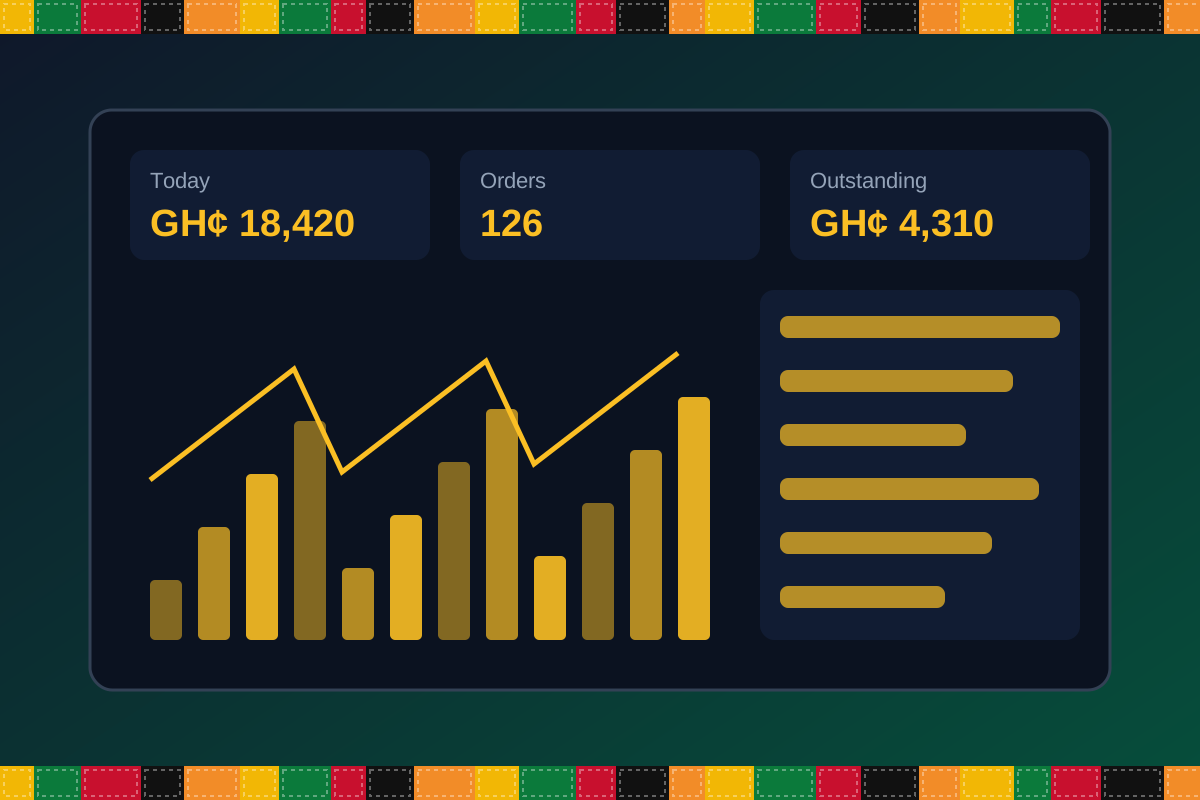
Reports & insight
Dashboard image is illustrative. Report content is agreed during implementation.
Your workflow, step by step
Add families, groups and roles.
Capture services and meetings.
Log tithes, offerings and pledges with receipts.
Assign follow-up for visitors and members.
Share summaries with leadership.
Is it right for you?
What you will need
Exact hardware and connectivity are confirmed during your consultation.
Your first win
Produce a clean attendance and giving summary after the next service.
Scope and timelines are agreed after consultation.
How it works
A practical operating cycle helps your team capture work consistently and gives management a clearer view of what is happening across the organization.
Capture the people, products, services, locations or jobs your operation needs to manage.
Move each transaction through the appropriate operational steps with clear responsibility and status.
Review activity, exceptions, balances and performance using consolidated operational views.
Use reports and historical records to identify bottlenecks, control costs and plan next actions.
Your operation
One clearer picture.
Organized records. Connected processes. Better oversight.
Made to fit your organization
During consultation, TondeSoft can review your current processes, reporting needs, branches, staff roles and deployment preferences to define the right configuration for ChurchERP.
Tell us how your organization works. We will help identify the most suitable modules and implementation approach.
Talk to a TondeSoft ConsultantVisibility & control
Review transaction history, outstanding tasks, operational activity and management summaries in a structured way. Reporting options can be agreed during implementation to reflect the indicators that matter to your team.
Deployment conversation
Whether you operate one location or multiple branches, discuss users, data, devices, integrations, hosting and support needs with our team before deployment.
Request product information ↗Frequently asked questions
A few practical answers to help your team take the next step.
Access can be limited to authorized finance roles.
Branch-level records and consolidated reports can be configured.
Giving records can be restricted to authorized finance roles.
Yes. Groups, leaders and rosters can be configured.
Yes. Funds can be configured separately.
Receipt printing can be configured.
Role-based access can limit views.
Multi-location requirements can be reviewed during configuration, including user access, location-level activity and consolidated management reporting.
Yes. TondeSoft can review your current process, required approvals, reports and user roles to define the appropriate implementation scope.
Contact the TondeSoft team with your organization type, number of users and key requirements. We can then arrange a product discussion and provide a suitable proposal.
Take the next step
Request a tailored walkthrough, discuss your business requirements and find out how TondeSoft can help streamline your operations.