


One connected workspace
Keep essential operational information together instead of relying on disconnected notebooks, spreadsheets and messaging threads.
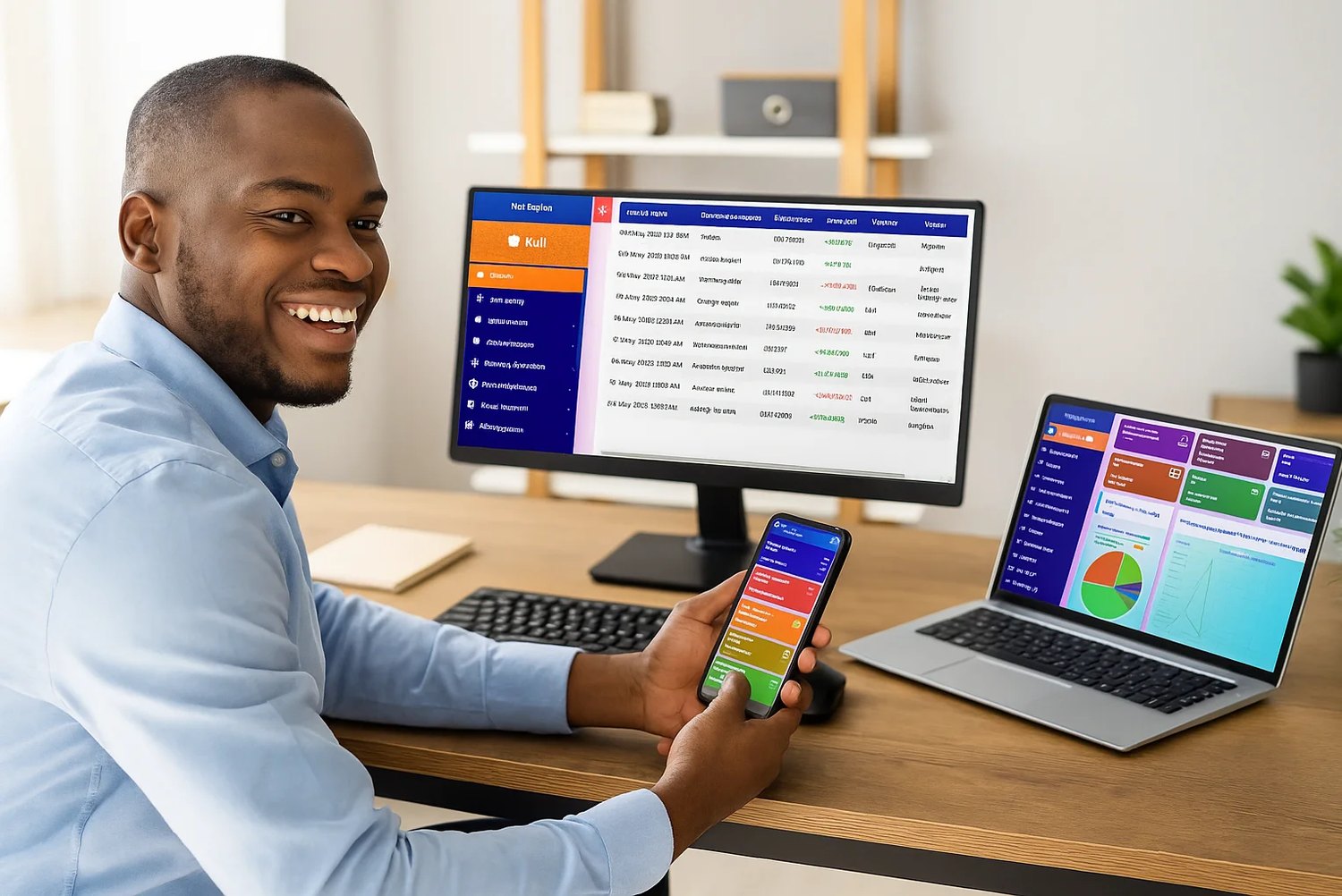
TondeSoft · Finance & banque
Purpose-built software for traditional Susu collectors and thrift micro-savings companies across Ghana and West Africa. Equips field agents with Android offline apps to collect daily deposits, print instant slips, and prevent agent embezzlement.
Manage collectors, daily contributions, member balances, withdrawals, loans, collections and branch-level accountability.
Designed for
Finance & banque
Product focus
Connected operations
TondeSoft approach
Software that adapts to the way your business works.
A better way to manage
SusuERP gives collectors a simple way to record contributions and gives managers a reliable way to reconcile them. Savers get clearer balances, and the company gets stronger control over cash in the field.
Ideal for: Susu collection companies, market women savings schemes, informal finance operators.
Keep essential operational information together instead of relying on disconnected notebooks, spreadsheets and messaging threads.
Give team members defined responsibilities and help managers review actions, approvals and outstanding work.
Use structured records and reports to understand activity, identify exceptions and make more informed decisions.
Discuss your branches, approval steps, reports and local operating requirements during product configuration.
Designed around your industry
A useful management system should connect the work people do every day with the information owners and supervisors need to make decisions.
Field collections, saver passbooks, agent commissions and withdrawals need dependable daily reconciliation.
Register savers, assign collectors, record deposits and withdrawals, issue transaction references and reconcile each agent’s cash or wallet.
Review member balances, collector performance, missed collections, daily cash positions and outstanding exceptions.
Problems we solve
Every contribution gets a reference so field records and office balances agree.
Daily reconciliation per collector flags shortfalls early.
Reports list savers who skipped days so follow-up is timely.
Before and after
System capabilities
A closer look at the functions that can support your day-to-day activities. The final module setup can be aligned to your organization’s processes.
Manage field agent android daily collection app with consistent records, clear ownership and information that can be reviewed by the right team members.
Manage instant sms receipt to saver on every deposit with consistent records, clear ownership and information that can be reviewed by the right team members.
Manage daily, weekly & monthly susu cycle tracking with consistent records, clear ownership and information that can be reviewed by the right team members.
Manage automated agent commission calculation with consistent records, clear ownership and information that can be reviewed by the right team members.
Manage anti-fraud gps-stamped transaction audit with consistent records, clear ownership and information that can be reviewed by the right team members.
Manage user roles and access control with consistent records, clear ownership and information that can be reviewed by the right team members.
Module explorer
Search the 31 modules covered in the feature catalogue to find the exact function you need.
A real-time overview of group activity, contributions, and payouts, giving administrators instant visibility into how every susu group is performing.
Creates and manages susu groups, including group rules, contribution schedules, and membership, keeping each group organised from formation onward.
Maintains complete member profiles across groups, including personal details, contribution history, and group affiliations.
Records daily, weekly, or periodic member contributions, whether collected in person or digitally, keeping every group's savings accurate and up to…
Manages the rotating payout order for susu groups, ensuring each member receives their contribution payout fairly and on schedule.
Processes and tracks payouts and disbursements to members, keeping payment records accurate and auditable.
Tracks member attendance at group meetings and collection points, supporting accountability and engagement monitoring.
Manages loans extended to members from group or institutional funds, from application through repayment tracking.
Handles individual and group savings products beyond standard susu contributions, supporting flexible savings arrangements.
Coordinates welfare contributions and support for members in need, with tracking of requests and disbursements.
Records and manages fines for missed contributions or meetings, applied consistently according to group rules.
Schedules and documents group meetings, including agendas, minutes, and attendance, keeping group governance organised.
Sends automated reminders for contributions, meetings, and payouts, helping members and administrators stay on track.
Manages group leadership roles and election processes, supporting transparent and democratic group governance.
A complete accounting module covering income, expenses, and financial statements, giving administrators a clear picture of overall financial health.
Accepts and reconciles member contributions and payouts made through mobile money platforms, streamlining collections and disbursements.
Connects group and institutional accounts with banking systems, enabling seamless transfers and reconciliation.
Offers insurance products linked to member savings or loans, providing an added layer of financial protection for members.
Applies data-driven credit scoring to member contribution and repayment history, supporting fairer and faster loan decisions.
Monitors the overall health of each susu group, such as contribution consistency and default rates, flagging groups that need attention.
Allows members to set and track personal or group savings goals, encouraging disciplined saving behaviour.
Tracks physical or financial assets owned by groups or the institution, including valuation and condition.
Rewards members who refer new participants to the platform, supporting organic group and membership growth.
Gives members self-service access to view their contributions, loans, and payout schedule, improving transparency and trust.
Delivers automated alerts for contributions, payouts, meetings, and overdue fines, keeping members and staff informed in real time.
Securely stores group and member documents, agreements, and records, with controlled access for authorised users.
Generates detailed contribution, loan, and financial reports to support informed, data-driven decisions.
Controls system access with role-based permissions, ensuring staff and group leaders only see and do what they are authorised to.
Manages multiple branches or collection centres from a single system, with centralised oversight and branch-level reporting.
Tracks regulatory and compliance obligations, helping the institution stay audit-ready and aligned with requirements.
Provides access to additional configuration and power-user tools for institutions with more complex operational needs.
No module matches that search. Ask us on WhatsApp; custom modules can be built.
Built with African operations in mind
Designed for organizations operating in Ghana and across Africa, where teams may need clear multi-branch oversight, Ghana cedi reporting, Mobile Money and cash collection visibility, SMS or WhatsApp communication, and practical workflows for local operations. Specific integrations and regulatory requirements are confirmed during solution scoping.
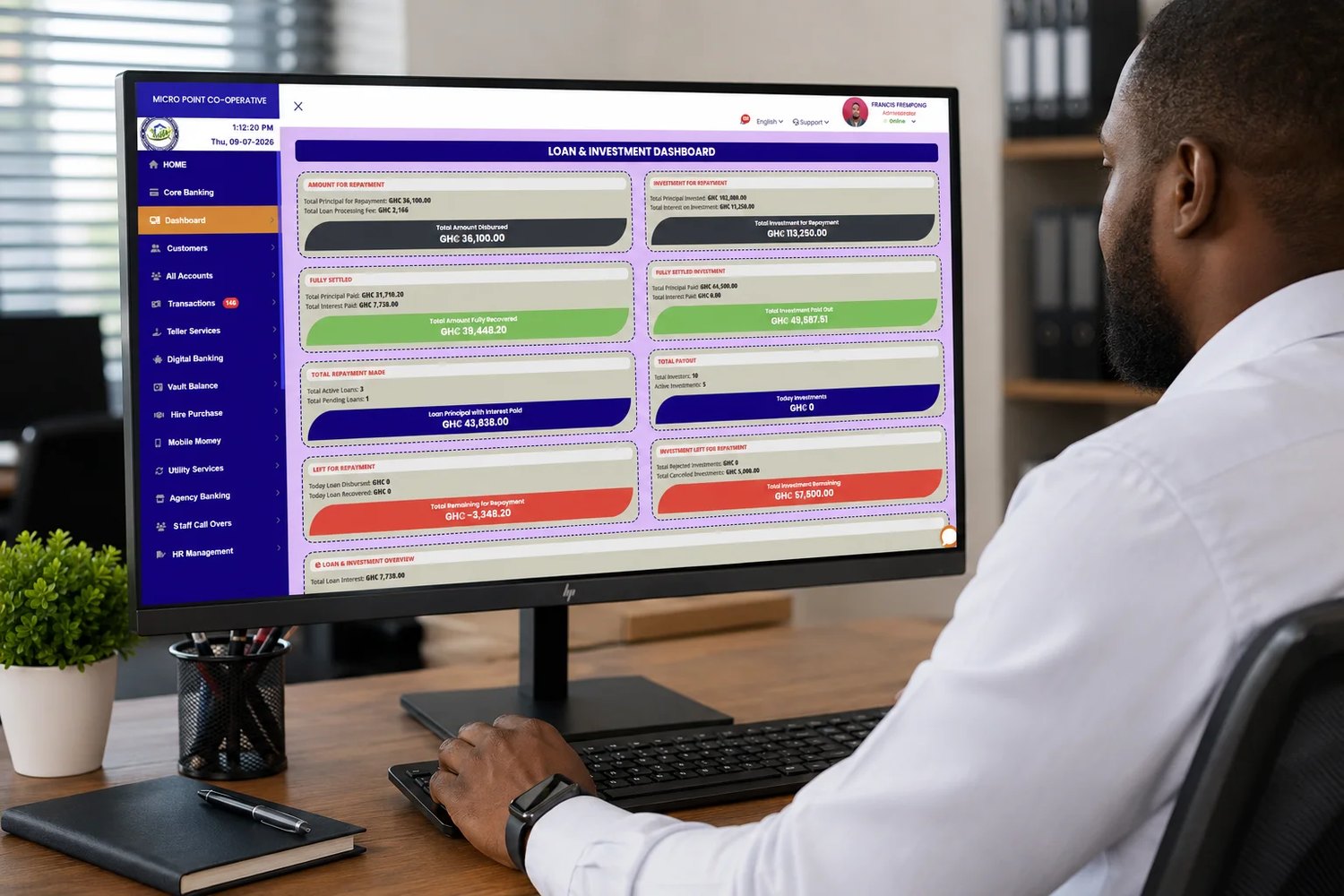
TondeSoft · Ghana
Local understanding. Connected business systems.
A day with SusuERP
A susu collector visits the market, records each saver’s daily contribution on a phone, issues a reference, and returns to the office where the supervisor reconciles the cash and wallet totals against the collector’s expected collections.
Illustrative scenario. Actual workflows are configured with your team during implementation.
Who uses it
Role-based access helps each person see and do what their job requires.
Reviews collections, withdrawals, loans and agent performance.
Record daily contributions and issue transaction references.
Handles deposits, withdrawals and daily cash reconciliation.
Receive balance updates and contribution confirmations where enabled.
More capabilities
Capture saver details, ID information, guarantors and next of kin.
Assign savers to collectors and review coverage by area.
Compute agent or service charges according to your own rules.
Set daily or weekly targets and monitor progress.
Send contribution receipts and reminders where messaging is enabled.
Offer small loans against savings with repayment tracking.
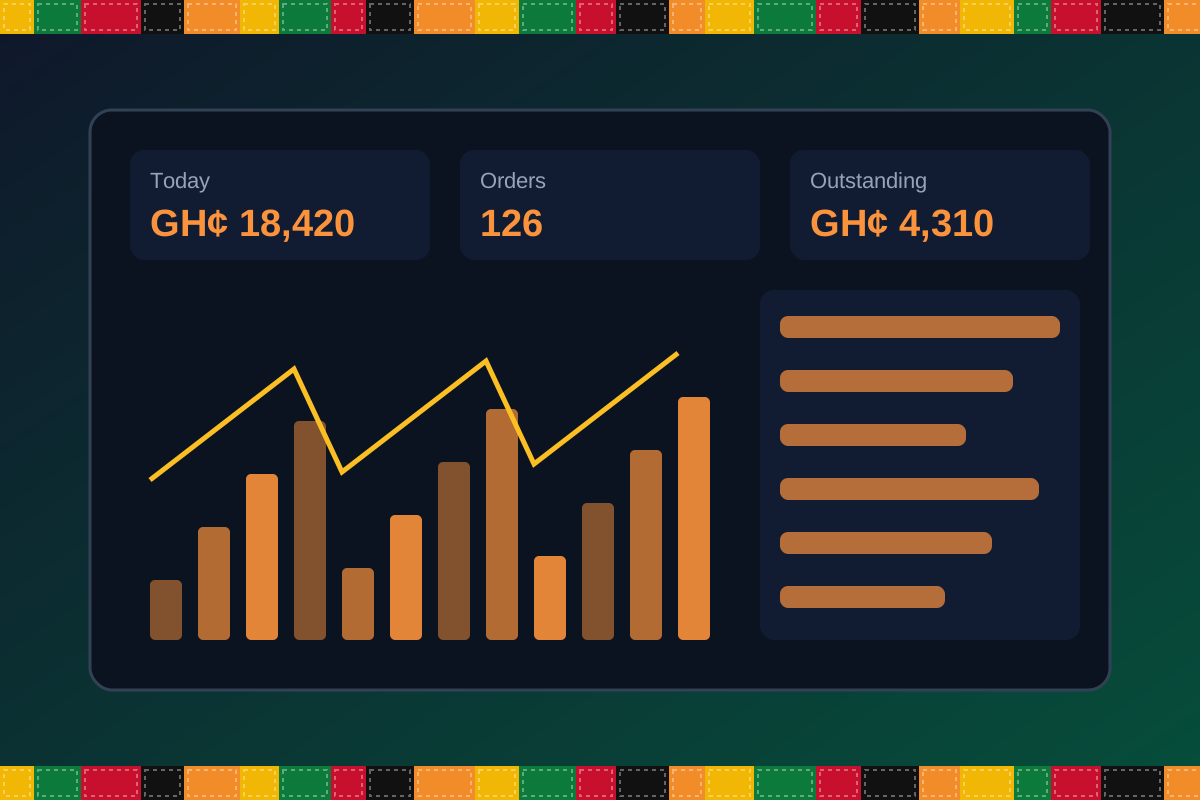
Reports & insight
Dashboard image is illustrative. Report content is agreed during implementation.
Your workflow, step by step
Capture details, ID, next of kin and the agreed daily amount.
Collectors record each contribution with a reference.
Cash and Mobile Money collections are matched to each collector daily.
Process withdrawals and small loans with approvals.
Managers see balances, missed days and agent performance.
Is it right for you?
What you will need
Exact hardware and connectivity are confirmed during your consultation.
Your first win
Close the day with every collector’s cash matching the system.
Scope and timelines are agreed after consultation.
How it works
A practical operating cycle helps your team capture work consistently and gives management a clearer view of what is happening across the organization.
Capture the people, products, services, locations or jobs your operation needs to manage.
Move each transaction through the appropriate operational steps with clear responsibility and status.
Review activity, exceptions, balances and performance using consolidated operational views.
Use reports and historical records to identify bottlenecks, control costs and plan next actions.
Your operation
One clearer picture.
Organized records. Connected processes. Better oversight.
Made to fit your organization
During consultation, TondeSoft can review your current processes, reporting needs, branches, staff roles and deployment preferences to define the right configuration for SusuERP.
Tell us how your organization works. We will help identify the most suitable modules and implementation approach.
Talk to a TondeSoft ConsultantVisibility & control
Review transaction history, outstanding tasks, operational activity and management summaries in a structured way. Reporting options can be agreed during implementation to reflect the indicators that matter to your team.
Deployment conversation
Whether you operate one location or multiple branches, discuss users, data, devices, integrations, hosting and support needs with our team before deployment.
Request product information ↗Frequently asked questions
A few practical answers to help your team take the next step.
Offline or low-connectivity workflows can be discussed during scoping depending on the device and deployment approach.
Receipts and balance notifications can be configured through supported channels.
Yes. Targets and contribution amounts can be set per saver or product.
Withdrawal approval steps and limits can be configured.
Messaging can be enabled through supported providers.
Yes. Collectors can be restricted to their own routes and savers.
Opening balances can be imported during setup.
Multi-location requirements can be reviewed during configuration, including user access, location-level activity and consolidated management reporting.
Yes. TondeSoft can review your current process, required approvals, reports and user roles to define the appropriate implementation scope.
Contact the TondeSoft team with your organization type, number of users and key requirements. We can then arrange a product discussion and provide a suitable proposal.
Take the next step
Request a tailored walkthrough, discuss your business requirements and find out how TondeSoft can help streamline your operations.