


One connected workspace
Keep essential operational information together instead of relying on disconnected notebooks, spreadsheets and messaging threads.
TondeSoft · Fabrication & industrie
Specialized cold storage and refrigerated warehouse operations platform. Automates pallet slotting, weight shrinkage management, temperature telemetry, consignment client billing, and strict FIFO perishable rotation.
Track frozen and chilled stock, weight-based sales, batch dates, cold-room movements, spoilage, supplier purchases and customer orders.
Designed for
Fabrication & industrie
Product focus
Connected operations
TondeSoft approach
Software that adapts to the way your business works.
A better way to manage
ColdstoreERP records stock by weight, batch and location. Staff sell the oldest stock first, managers see yield and shrinkage, and customers get accurate invoices.
Ideal for: Frozen fish/meat cold stores, agricultural packhouses, pharmaceutical refrigeration hubs.
Keep essential operational information together instead of relying on disconnected notebooks, spreadsheets and messaging threads.
Give team members defined responsibilities and help managers review actions, approvals and outstanding work.
Use structured records and reports to understand activity, identify exceptions and make more informed decisions.
Discuss your branches, approval steps, reports and local operating requirements during product configuration.
Designed around your industry
A useful management system should connect the work people do every day with the information owners and supervisors need to make decisions.
Frozen and chilled products require careful tracking by weight, batch, storage location, date and temperature-sensitive handling.
Record receiving weights, batch details, cold-room locations, stock transfers, portion sales, returns and spoilage.
Review stock ageing, yield and weight variances, spoilage, supplier performance and product-level profitability.
Problems we solve
Ageing and weight-variance reports highlight problems.
Batch dates guide first-in-first-out selling.
Customer balances and limits are tracked.
Before and after
System capabilities
A closer look at the functions that can support your day-to-day activities. The final module setup can be aligned to your organization’s processes.
Manage pallet slot & bay space management with consistent records, clear ownership and information that can be reviewed by the right team members.
Manage weighbridge & carton barcoding with consistent records, clear ownership and information that can be reviewed by the right team members.
Manage consignment & tenant rental billing with consistent records, clear ownership and information that can be reviewed by the right team members.
Trace batches, dates and movements so teams can investigate quality, expiry or production issues.
Manage daily electricity & thermal telemetry with consistent records, clear ownership and information that can be reviewed by the right team members.
Manage user roles and access control with consistent records, clear ownership and information that can be reviewed by the right team members.
Module explorer
Search the 21 modules covered in the feature catalogue to find the exact function you need.
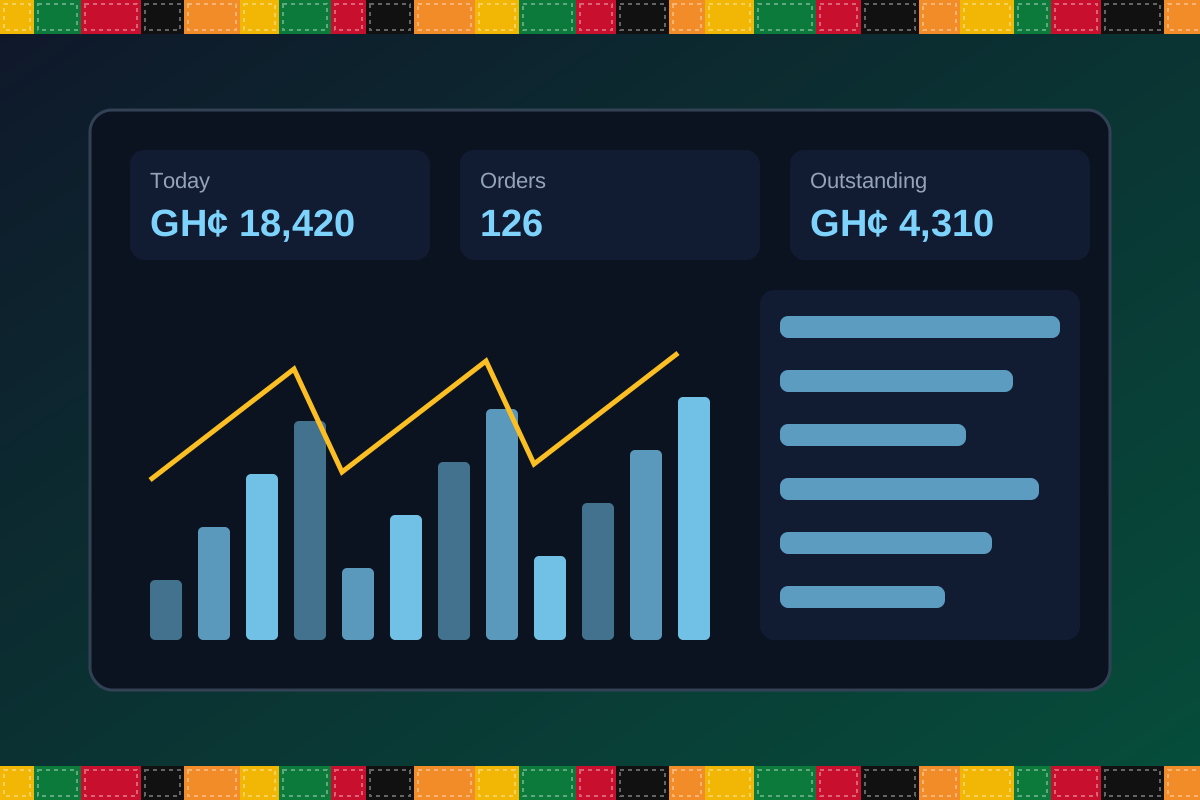
A real-time overview of sales, stock levels, temperature status, and outstanding invoices, giving management instant visibility into how the cold…
A fast checkout and sales terminal for walk-in and counter trading, capturing transactions accurately and updating stock and accounts automatically.
Generates and tracks customer invoices from quotation through to payment, keeping sales records organised and easy to follow up on.
Manages purchase orders and stock intake from suppliers, ensuring incoming goods are recorded accurately and costed correctly.
Maintains a database of customer accounts, order history, and outstanding balances, supporting stronger trading relationships and credit control.
Keeps a directory of suppliers with contact details, pricing, and purchase history, streamlining procurement and vendor management.
A central catalogue of all stocked products, including pricing, units of measure, and storage requirements, forming the foundation of inventory…
Tracks stock by batch number and expiry date, enabling first-expiry-first-out handling and reducing losses from spoilage or expired goods.
Manages the movement of stock between cold rooms, branches, or storage locations, keeping inventory records accurate everywhere it is held.
Maps and manages individual cold rooms and storage units, including capacity and product allocation, for organised warehouse operations.
Records temperature readings across cold rooms over time, supporting food-safety compliance and early detection of equipment or storage issues.
Defines the structured list of accounts used to categorise every financial transaction, forming the backbone of accurate bookkeeping.
Records all financial transactions in one central ledger, giving a complete and auditable view of the business's financial activity.
Manages bank accounts, deposits, and withdrawals, and reconciles transactions against bank statements to keep the books accurate.
Tracks operational expenses such as electricity, maintenance, and supplies, categorised for clear cost analysis and budgeting.
Automates staff salary calculations, deductions, and payment processing, reducing manual payroll administration.
Tracks cold store equipment, refrigeration units, vehicles, and property, including depreciation and maintenance schedules.
Generates detailed sales, inventory, financial, and temperature-compliance reports to support informed, data-driven decisions.
Manages multiple cold store locations from a single system, with centralised oversight and branch-level reporting.
Controls system access with role-based permissions, ensuring staff only see and do what they are authorised to.
Configures core business settings such as branch details, tax rates, currency, and other system-wide defaults.
No module matches that search. Ask us on WhatsApp; custom modules can be built.
Built with African operations in mind
Designed for organizations operating in Ghana and across Africa, where teams may need clear multi-branch oversight, Ghana cedi reporting, Mobile Money and cash collection visibility, SMS or WhatsApp communication, and practical workflows for local operations. Specific integrations and regulatory requirements are confirmed during solution scoping.
TondeSoft · Ghana
Local understanding. Connected business systems.
A day with ColdstoreERP
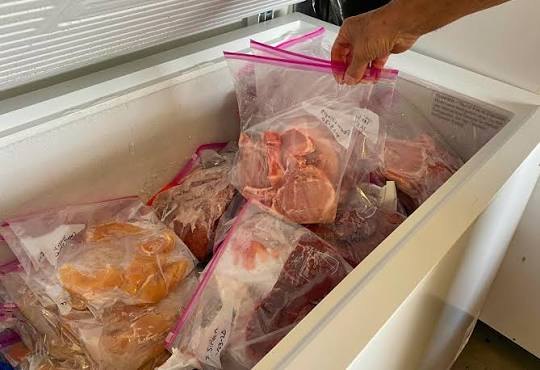
A fish delivery is weighed and batched on arrival, assigned to a cold room, sold by carton or kilogram, and the manager reviews stock age and spoilage risk before the weekend.
Illustrative scenario. Actual workflows are configured with your team during implementation.
Who uses it
Role-based access helps each person see and do what their job requires.
Reviews stock value, ageing and profit.
Weigh and record incoming goods.
Process orders and weight-based sales.
Manage customer accounts and supplier payments.
More capabilities
Record gross/net weights and batch dates.
Assign stock to rooms, racks or bays.
Sell by carton, piece or kilogram.
Document losses with reasons and approvals.
Handle regular buyers and credit limits.
Bill clients storing goods in your facility.
Reports & insight
Dashboard image is illustrative. Report content is agreed during implementation.
Your workflow, step by step
Weigh, batch and record incoming goods.
Assign cold-room locations.
Sell by weight or carton to customers.
Review stock age and shrinkage.
Track balances and receipts.
Is it right for you?
What you will need
Exact hardware and connectivity are confirmed during your consultation.
Your first win
See which stock is oldest and sell it first.
Scope and timelines are agreed after consultation.
How it works
A practical operating cycle helps your team capture work consistently and gives management a clearer view of what is happening across the organization.
Capture the people, products, services, locations or jobs your operation needs to manage.
Move each transaction through the appropriate operational steps with clear responsibility and status.
Review activity, exceptions, balances and performance using consolidated operational views.
Use reports and historical records to identify bottlenecks, control costs and plan next actions.
Your operation
One clearer picture.
Organized records. Connected processes. Better oversight.
Made to fit your organization
During consultation, TondeSoft can review your current processes, reporting needs, branches, staff roles and deployment preferences to define the right configuration for ColdstoreERP.
Tell us how your organization works. We will help identify the most suitable modules and implementation approach.
Talk to a TondeSoft ConsultantVisibility & control
Review transaction history, outstanding tasks, operational activity and management summaries in a structured way. Reporting options can be agreed during implementation to reflect the indicators that matter to your team.
Deployment conversation
Whether you operate one location or multiple branches, discuss users, data, devices, integrations, hosting and support needs with our team before deployment.
Request product information ↗Frequently asked questions
A few practical answers to help your team take the next step.
Yes. Multiple units of measure can be configured.
Ageing reports highlight older batches so they can be sold first.
Temperature check records can be configured; device integration is reviewed during scoping.
Storage or rental billing can be configured for third-party goods.
Different units can be configured.
Yes. Batches can be tracked by supplier.
Write-offs can be recorded with reasons.
Multi-location requirements can be reviewed during configuration, including user access, location-level activity and consolidated management reporting.
Yes. TondeSoft can review your current process, required approvals, reports and user roles to define the appropriate implementation scope.
Contact the TondeSoft team with your organization type, number of users and key requirements. We can then arrange a product discussion and provide a suitable proposal.
Take the next step
Request a tailored walkthrough, discuss your business requirements and find out how TondeSoft can help streamline your operations.