


One connected workspace
Keep essential operational information together instead of relying on disconnected notebooks, spreadsheets and messaging threads.
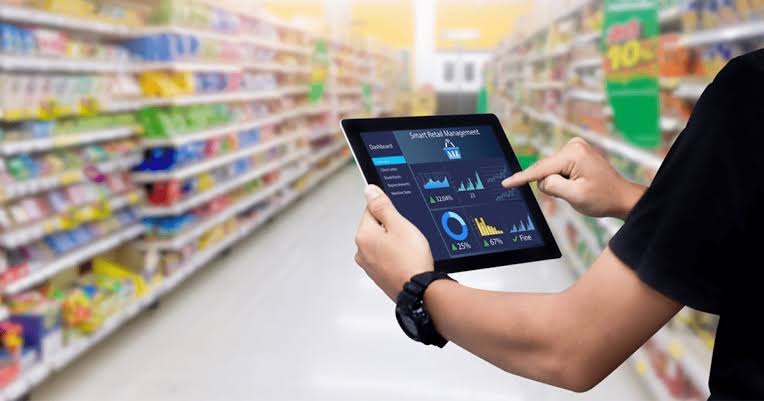
TondeSoft · Retail & Hospitality
Retail supermarket and wholesale store operations system. Manages rapid multi-till checkout, promotions, multi-tier pricing (retail, wholesale, carton), supplier reorder triggers, and end-of-day gross profit reconciliations.
Control purchasing, stock, barcode sales, customer accounts, supplier balances, branch transfers and retail performance.
Designed for
Retail & Hospitality
Product focus
Connected operations
TondeSoft approach
Software that adapts to the way your business works.
A better way to manage
StoreERP connects the till, the stockroom and the supplier. Each sale reduces stock, each delivery increases it, and managers see margins, low stock and cashier performance without waiting for a stock-take.
Ideal for: Supermarkets, provision wholesalers, boutique retail shops, hardware emporiums.
Keep essential operational information together instead of relying on disconnected notebooks, spreadsheets and messaging threads.
Give team members defined responsibilities and help managers review actions, approvals and outstanding work.
Use structured records and reports to understand activity, identify exceptions and make more informed decisions.
Discuss your branches, approval steps, reports and local operating requirements during product configuration.
Designed around your industry
A useful management system should connect the work people do every day with the information owners and supervisors need to make decisions.
Fast-moving stock, multiple price levels, supplier deliveries, customer credit and cashier shifts require accurate records.
Connect purchasing, receiving, barcode sales, returns, stock counts, transfers, customer accounts and shift closing.
Track margin, fast and slow movers, low-stock items, stock variances, supplier balances and branch performance.
Problems we solve
Stock movements and counts are recorded so variances can be investigated.
Reorder levels and fast-mover reports show what to buy.
Credit sales, repayments and statements are tracked per customer.
Before and after
System capabilities
A closer look at the functions that can support your day-to-day activities. The final module setup can be aligned to your organization’s processes.
Manage high-speed multi-lane cashier pos with consistent records, clear ownership and information that can be reviewed by the right team members.
Manage carton / pack / single piece breakdown with consistent records, clear ownership and information that can be reviewed by the right team members.
Manage promotion engine & buy-x-get-y discounts with consistent records, clear ownership and information that can be reviewed by the right team members.
Maintain stock balances, movement history and reorder visibility across stores, locations or departments.
Turn daily activity into useful summaries for supervisors, owners and management.
Manage user roles and access control with consistent records, clear ownership and information that can be reviewed by the right team members.
Module explorer
Search the 30 modules covered in the feature catalogue to find the exact function you need.
A real-time overview of sales, stock, and till activity, giving management instant visibility into how the shop is performing at any moment.
A fast, intuitive checkout for ringing up sales, processing payments, and printing receipts, built to keep queues moving during busy periods.
Keeps a complete, searchable record of every past sale, making it easy to look up transactions, resolve disputes, or process returns.
Tracks cash drawer opening and closing balances for each till session, with variance reporting to keep cash handling accountable.
Tracks stock levels across the shop in real time, alerting staff before items run out and keeping stock records accurate.
A complete accounting module covering income, expenses, and financial statements, giving owners a clear picture of business performance.
Tracks operational expenses such as rent, utilities, and supplies, categorised for clear cost analysis.
Automates recurring costs such as rent, subscriptions, and service fees, ensuring nothing is missed or paid late.
Manages stock purchases and supplier orders, ensuring incoming goods are recorded accurately and costed correctly.
Tracks shop equipment, fixtures, and property, including depreciation and maintenance schedules.
Sets departmental or category budgets and tracks actual spend against them, highlighting variances early.
Matches recorded transactions against bank statements to ensure the books stay accurate and discrepancies are caught quickly.
Supports transactions and reporting in multiple currencies, useful for shops trading with international suppliers or customers.
Captures internal requests for stock or supplies before they become formal purchase orders, adding a layer of approval and control.
Manages staff records and automates salary calculations and payment processing, reducing manual payroll administration.
Sets and tracks sales targets for staff or branches, helping management monitor performance against goals.
personalised service and targeted marketing.
Creates and tracks price quotations for customers, which can be converted into sales once approved.
Issues, sells, and redeems gift cards, with balance tracking integrated directly into the point of sale.
Logs and manages customer enquiries and complaints in a structured way, helping resolve issues promptly.
Generates detailed sales, inventory, and financial reports to support informed, data-driven business decisions.
Consolidates reporting across all branches or locations, giving a single, unified view of overall business performance.
Logs wasted, damaged, or expired stock with reasons and quantities, giving visibility into losses and opportunities to reduce them.
Manages customer refunds and product exchanges, keeping sales records accurate and the process consistent.
Coordinates the delivery of goods to customers, tracking status from dispatch to final
Tracks supplier performance on measures such as delivery time and quality, helping the shop choose and manage suppliers wisely.
Accepts and reconciles customer payments made through mobile money platforms, streamlining collections at checkout.
Records a detailed history of actions taken within the system, providing accountability and traceability across the platform.
Customises the StoreERP system to match each business's preferences, workflows, and operational needs.
Controls system access with role-based permissions, ensuring each staff member only sees and does what they are authorised to.
No module matches that search. Ask us on WhatsApp; custom modules can be built.
Built with African operations in mind
Designed for organizations operating in Ghana and across Africa, where teams may need clear multi-branch oversight, Ghana cedi reporting, Mobile Money and cash collection visibility, SMS or WhatsApp communication, and practical workflows for local operations. Specific integrations and regulatory requirements are confirmed during solution scoping.
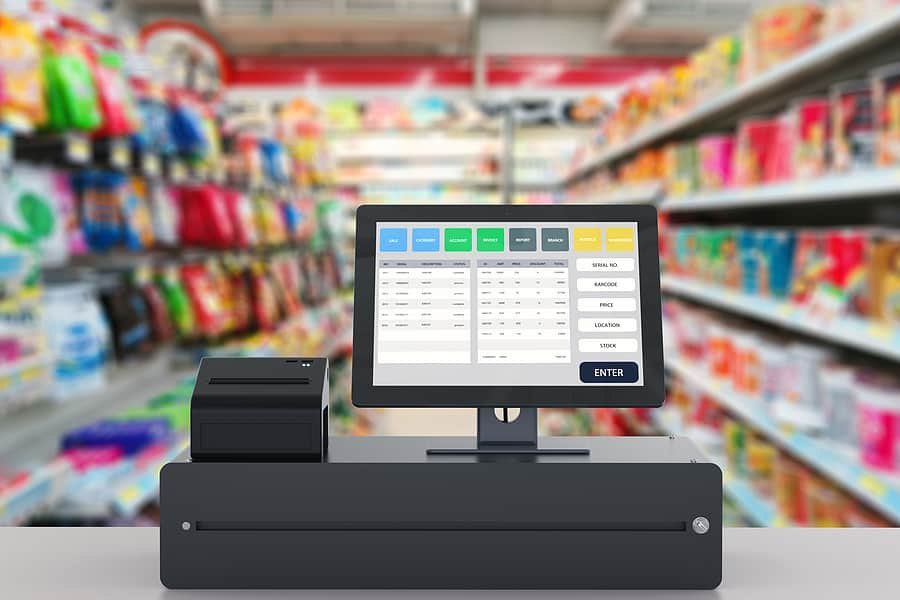
TondeSoft · Ghana
Local understanding. Connected business systems.
A day with StoreERP
The cashier scans items, accepts cash and Mobile Money, and prints a receipt. At closing, the supervisor counts the till, reviews low-stock items, and raises a purchase order to the supplier for fast-moving goods.
Illustrative scenario. Actual workflows are configured with your team during implementation.
Who uses it
Role-based access helps each person see and do what their job requires.
Tracks sales, margin, stock position and cashier performance.
Scan items, apply prices and receive payments.
Raises purchase orders and receives supplier deliveries.
Receives, counts and transfers stock between branches.
More capabilities
Manage products, units, barcodes and price levels.
Track credit sales, repayments and customer points or discounts.
Order from suppliers and receive goods against the order.
Move stock between branches with sending and receiving records.
Run cycle or full counts and review variances before adjustment.
Process customer returns and supplier returns with reasons.
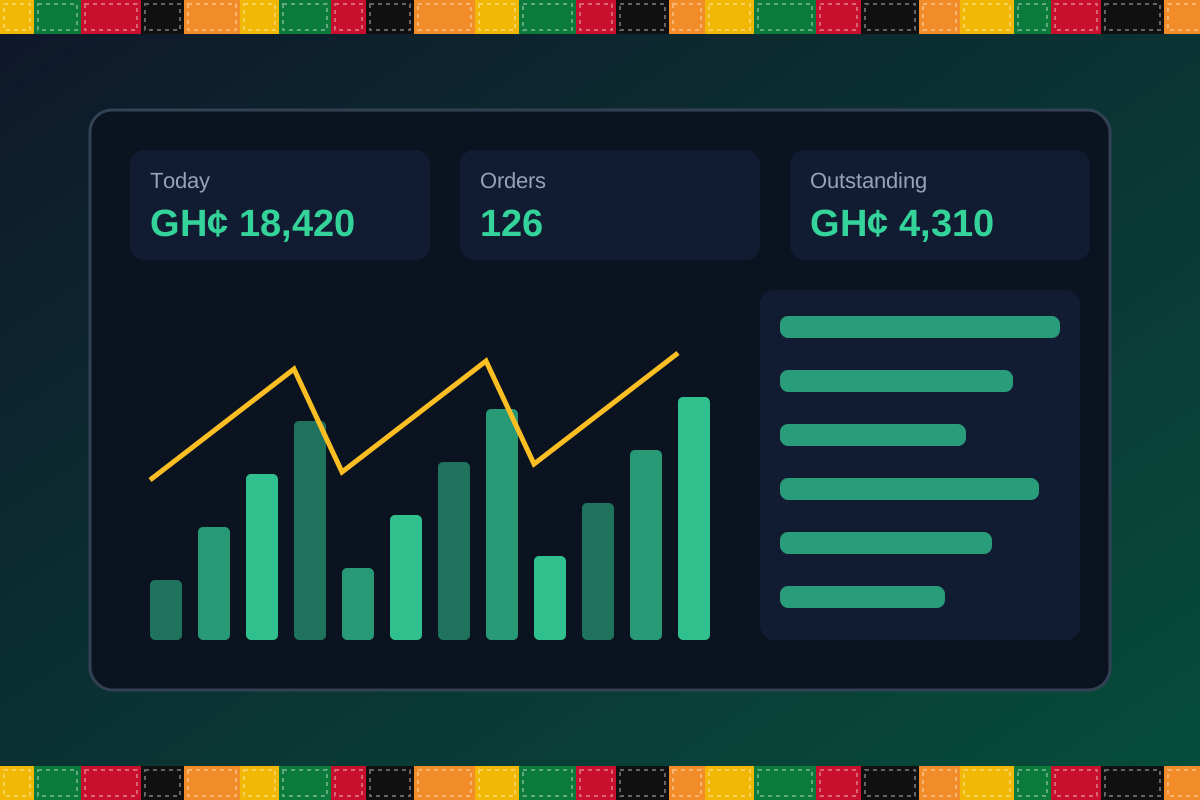
Reports & insight
Dashboard image is illustrative. Report content is agreed during implementation.
Your workflow, step by step
Add items, units, barcodes and prices.
Record supplier deliveries and update stock.
Scan, price and take payment at the till.
Run counts and review variances.
Use reorder lists and margin reports to decide what to buy.
Is it right for you?
What you will need
Exact hardware and connectivity are confirmed during your consultation.
Your first win
Get a list of items to reorder before they run out.
Scope and timelines are agreed after consultation.
How it works
A practical operating cycle helps your team capture work consistently and gives management a clearer view of what is happening across the organization.
Capture the people, products, services, locations or jobs your operation needs to manage.
Move each transaction through the appropriate operational steps with clear responsibility and status.
Review activity, exceptions, balances and performance using consolidated operational views.
Use reports and historical records to identify bottlenecks, control costs and plan next actions.
Your operation
One clearer picture.
Organized records. Connected processes. Better oversight.
Made to fit your organization
During consultation, TondeSoft can review your current processes, reporting needs, branches, staff roles and deployment preferences to define the right configuration for StoreERP.
Tell us how your organization works. We will help identify the most suitable modules and implementation approach.
Talk to a TondeSoft ConsultantVisibility & control
Review transaction history, outstanding tasks, operational activity and management summaries in a structured way. Reporting options can be agreed during implementation to reflect the indicators that matter to your team.
Deployment conversation
Whether you operate one location or multiple branches, discuss users, data, devices, integrations, hosting and support needs with our team before deployment.
Request product information ↗Frequently asked questions
A few practical answers to help your team take the next step.
Common POS hardware can be assessed during scoping; compatibility depends on the devices you choose.
Yes. Multi-branch visibility and consolidated reporting can be configured.
Discounts and promotional prices can be configured by item, category or period.
Product and stock data can be imported from spreadsheets during setup.
Yes. Multiple price levels can be configured.
Batch and expiry tracking can be enabled for relevant items.
Authorized dashboards can be viewed from a browser.
Multi-location requirements can be reviewed during configuration, including user access, location-level activity and consolidated management reporting.
Yes. TondeSoft can review your current process, required approvals, reports and user roles to define the appropriate implementation scope.
Contact the TondeSoft team with your organization type, number of users and key requirements. We can then arrange a product discussion and provide a suitable proposal.
Take the next step
Request a tailored walkthrough, discuss your business requirements and find out how TondeSoft can help streamline your operations.