


One connected workspace
Keep essential operational information together instead of relying on disconnected notebooks, spreadsheets and messaging threads.

TondeSoft · Security & Logistics
Total command and operations software for private security agencies. Verifies guard clock-in via GPS/biometrics, monitors NFC/RFID patrol checkpoints in real time, logs security incident dispatches, and bills clients by exact posted guard hours.
Coordinate guards, sites, duty rosters, attendance, patrols, incidents, equipment, client billing and payroll information.
Designed for
Security & Logistics
Product focus
Connected operations
TondeSoft approach
Software that adapts to the way your business works.
A better way to manage
SecurityGuardERP helps agencies plan rosters, confirm attendance, record patrols and manage incidents. Operations teams see coverage, and finance teams bill from verified hours.
Ideal for: Private security companies, facility protection firms, VIP security contractors.
Keep essential operational information together instead of relying on disconnected notebooks, spreadsheets and messaging threads.
Give team members defined responsibilities and help managers review actions, approvals and outstanding work.
Use structured records and reports to understand activity, identify exceptions and make more informed decisions.
Discuss your branches, approval steps, reports and local operating requirements during product configuration.
Designed around your industry
A useful management system should connect the work people do every day with the information owners and supervisors need to make decisions.
Agencies must coordinate client sites, guard rosters, relief coverage, attendance, patrol evidence and incident response.
Assign guards to posts, publish duty rosters, capture attendance, record patrol checkpoints and escalate incidents.
Monitor post coverage, lateness, patrol completion, incidents, equipment and client billing against deployed hours.
Problems we solve
Rosters and attendance show gaps before clients complain.
Checkpoint and supervisor records support patrol reports.
Billing is based on rostered and attended hours.
Before and after
System capabilities
A closer look at the functions that can support your day-to-day activities. The final module setup can be aligned to your organization’s processes.
Coordinate duty assignments, attendance, site coverage and incident reporting across client locations.
Coordinate duty assignments, attendance, site coverage and incident reporting across client locations.
Manage immediate security incident & panic dispatch with consistent records, clear ownership and information that can be reviewed by the right team members.
Manage uniform, kitting & equipment asset tracking with consistent records, clear ownership and information that can be reviewed by the right team members.
Coordinate duty assignments, attendance, site coverage and incident reporting across client locations.
Manage user roles and access control with consistent records, clear ownership and information that can be reviewed by the right team members.
Module explorer
Search the 28 modules covered in the feature catalogue to find the exact function you need.
A real-time command centre summarising deployed guards, active sites, incidents and revenue, giving management an instant overview of the entire…
Tracks guard and patrol-vehicle locations on a live map, letting controllers dispatch the nearest available resource and verify that guards are where…
A complete digital record of every guard on your books — personal details, licences and deployment history — kept in one searchable database.
Manages records for office and management staff separately from field guards, covering roles, departments and reporting lines.
Tracks applicants through recruitment and background vetting, ensuring every new guard is properly screened before deployment.
Records training completed and certifications held by each guard, with visibility into what's expiring so
Manages leave requests and disciplinary records for guards and staff, keeping HR processes consistent
Issues digital ID credentials that clients and supervisors can verify instantly, confirming a guard's identity and authorisation on the spot.
Manages client accounts and service contracts, including coverage terms and renewal dates, so nothing
Defines every guarded site, post and checkpoint, giving a structured map of where coverage is required and what each post entails.
Builds and manages guard shift rosters across all sites, making it easy to plan coverage and avoid gaps
Records guard clock-in and clock-out times at each post, producing accurate timecards for payroll and
Tracks and manages last-minute guard replacements, so a no-show or emergency never leaves a post uncovered without a record of what happened.
Logs site visits and inspections carried out by supervisors, documenting guard performance and post
Captures incident reports from the field and uses AI assistance to help draft legally sound Daily Activity Reports (DAR), speeding up documentation…
Logs client complaints and tracks them against service-level agreements, ensuring issues are resolved on time and contract commitments are met.
Calculates guard salaries automatically from rostered shifts and attendance records, reducing manual payroll work and payment errors.
Generates client invoices directly from contracted hours and services rendered, keeping billing accurate and tightly linked to actual deployment.
Tracks incoming client payments and outgoing business expenses, giving a clear, up-to-date view of
A full double-entry accounting engine underpins the system, ensuring every transaction is properly recorded and your books stay balanced.
Tracks uniforms, radios and other equipment issued to each guard, so assets are accounted for and can be recovered when a guard leaves.
Manages patrol vehicles and fleet assets, including assignments, maintenance and usage, keeping mobile patrol operations organised.
A mobile app for guards in the field to clock in, log incidents and check duty instructions, keeping them connected to head office from any post.
Gives clients secure online access to their site reports, guard schedules and invoices, improving transparency without extra phone calls or emails.
Generates detailed operational and financial reports across guards, sites and clients, helping management track performance and plan ahead.
Role-based access control lets administrators define exactly what each user can see and do within the system, protecting sensitive client and guard…
Configures system-wide preferences and supports multiple branches or regional offices operating from
Keeps a tamper-proof log of critical actions taken in the system, providing a reliable audit trail for compliance, disputes and internal review.
No module matches that search. Ask us on WhatsApp; custom modules can be built.
Built with African operations in mind
Designed for organizations operating in Ghana and across Africa, where teams may need clear multi-branch oversight, Ghana cedi reporting, Mobile Money and cash collection visibility, SMS or WhatsApp communication, and practical workflows for local operations. Specific integrations and regulatory requirements are confirmed during solution scoping.
TondeSoft · Ghana
Local understanding. Connected business systems.
A day with SecurityGuardERP
The operations officer publishes next week’s roster across 18 client sites, guards check in on duty, a supervisor records a patrol, an incident is escalated, and month-end billing is based on deployed hours.
Illustrative scenario. Actual workflows are configured with your team during implementation.
Who uses it
Role-based access helps each person see and do what their job requires.
Monitors coverage, incidents and client service.
Visit sites, verify guards and log patrols.
Check in, patrol and report incidents.
Prepare billing and payroll inputs.
More capabilities
Records, documents, training and assignments.
Manage client sites, posts and requirements.
Plan shifts, relief and overtime.
Record rounds and exceptions.
Log, escalate and review incidents.
Track items issued to guards.
Reports & insight
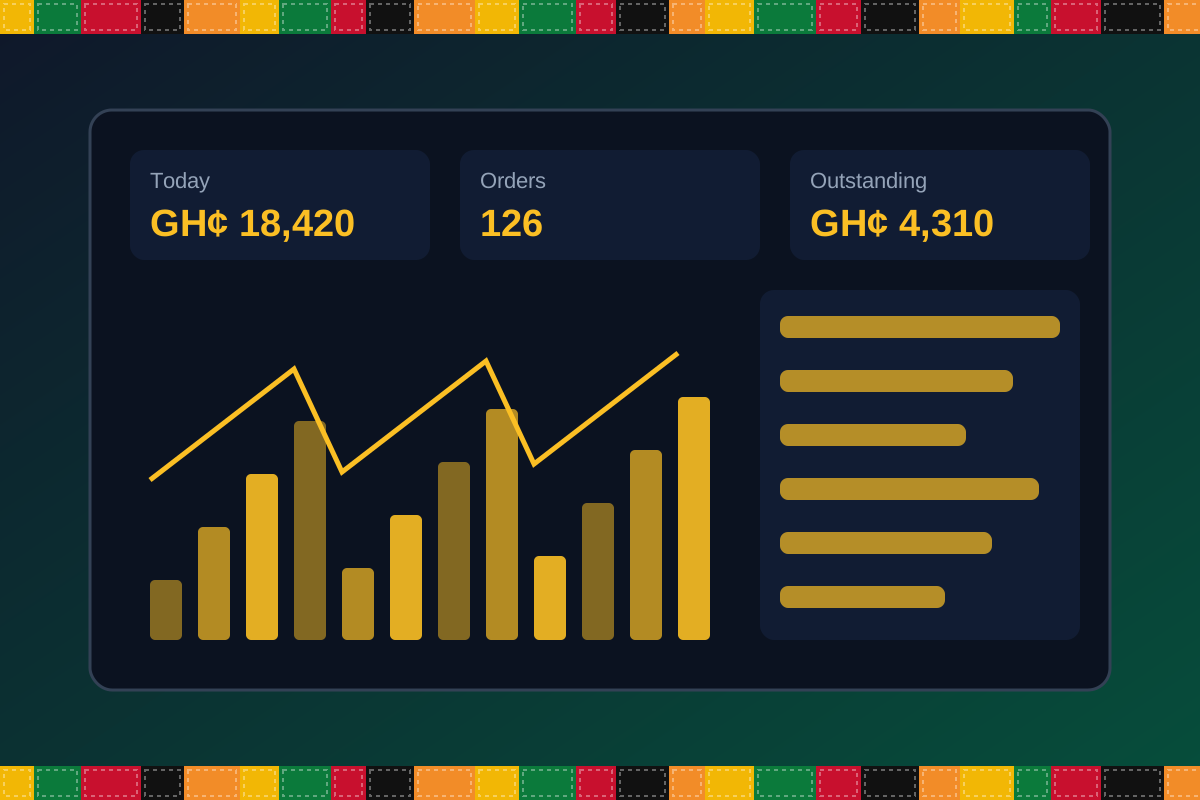
Dashboard image is illustrative. Report content is agreed during implementation.
Your workflow, step by step
Record client, sites and required posts.
Assign guards to shifts.
Capture attendance and patrols.
Log and escalate incidents.
Invoice clients and prepare guard pay inputs.
Is it right for you?
What you will need
Exact hardware and connectivity are confirmed during your consultation.
Your first win
See which posts are covered today.
Scope and timelines are agreed after consultation.
How it works
A practical operating cycle helps your team capture work consistently and gives management a clearer view of what is happening across the organization.
Capture the people, products, services, locations or jobs your operation needs to manage.
Move each transaction through the appropriate operational steps with clear responsibility and status.
Review activity, exceptions, balances and performance using consolidated operational views.
Use reports and historical records to identify bottlenecks, control costs and plan next actions.
Your operation
One clearer picture.
Organized records. Connected processes. Better oversight.
Made to fit your organization
During consultation, TondeSoft can review your current processes, reporting needs, branches, staff roles and deployment preferences to define the right configuration for SecurityGuardERP.
Tell us how your organization works. We will help identify the most suitable modules and implementation approach.
Talk to a TondeSoft ConsultantVisibility & control
Review transaction history, outstanding tasks, operational activity and management summaries in a structured way. Reporting options can be agreed during implementation to reflect the indicators that matter to your team.
Deployment conversation
Whether you operate one location or multiple branches, discuss users, data, devices, integrations, hosting and support needs with our team before deployment.
Request product information ↗Frequently asked questions
A few practical answers to help your team take the next step.
Billing inputs can be derived from rosters and attendance records.
Incident records and escalation steps can be configured.
Agreed incident and attendance summaries can be shared with clients.
Issue and return records can be maintained.
Yes. Rosters can include relief and overtime.
Supervisor visits can be logged.
Documents and training can be stored.
Multi-location requirements can be reviewed during configuration, including user access, location-level activity and consolidated management reporting.
Yes. TondeSoft can review your current process, required approvals, reports and user roles to define the appropriate implementation scope.
Contact the TondeSoft team with your organization type, number of users and key requirements. We can then arrange a product discussion and provide a suitable proposal.
Take the next step
Request a tailored walkthrough, discuss your business requirements and find out how TondeSoft can help streamline your operations.