


One connected workspace
Keep essential operational information together instead of relying on disconnected notebooks, spreadsheets and messaging threads.

TondeSoft · Éducation & santé
Enterprise-grade Learning Management System engineered for modern African educational institutions and corporate academies. Features offline cached content, interactive quizzes, automated grading, and live video lectures.
Manage online courses, learners, instructors, lessons, assessments, progress, certificates and learning administration.
Designed for
Éducation & santé
Product focus
Connected operations
TondeSoft approach
Software that adapts to the way your business works.
A better way to manage
ElearningERP helps training providers and schools publish lessons, enrol learners, assess progress and issue certificates. Administrators see engagement and results across courses.
Ideal for: Universities, polytechnics, corporate training institutes, e-learning academies.
Keep essential operational information together instead of relying on disconnected notebooks, spreadsheets and messaging threads.
Give team members defined responsibilities and help managers review actions, approvals and outstanding work.
Use structured records and reports to understand activity, identify exceptions and make more informed decisions.
Discuss your branches, approval steps, reports and local operating requirements during product configuration.
Designed around your industry
A useful management system should connect the work people do every day with the information owners and supervisors need to make decisions.
Digital learning requires course organization, learner enrolment, teaching activity, assessments and progress visibility.
Publish courses and lessons, enrol learners, assign instructors, run assessments and issue completion records.
Monitor learner engagement, course completion, assessment results, instructor activity and enrolment trends.
Problems we solve
Progress and activity tracking highlights who needs support.
Quizzes can be graded and recorded.
Certificates can be generated on completion.
Before and after
System capabilities
A closer look at the functions that can support your day-to-day activities. The final module setup can be aligned to your organization’s processes.
Manage interactive course & syllabus builder with consistent records, clear ownership and information that can be reviewed by the right team members.
Manage auto-grading exams & anti-cheat quizzes with consistent records, clear ownership and information that can be reviewed by the right team members.
Keep learner profiles, class placement, attendance and academic records connected.
Manage low-bandwidth video delivery with consistent records, clear ownership and information that can be reviewed by the right team members.
Manage accredited digital certificate generator with consistent records, clear ownership and information that can be reviewed by the right team members.
Manage user roles and access control with consistent records, clear ownership and information that can be reviewed by the right team members.
Module explorer
Search the 20 modules covered in the feature catalogue to find the exact function you need.
A real-time overview of the institution's academic and financial health — enrolments, attendance, revenue, and outstanding fees in one view.
A central catalogue for creating, organising, and managing every course offered by the institution, including syllabi, class levels, and instructors.
A timetabling module for planning classes, exams, and academic events.
A complete student information system holding profiles, academic history, guardian details, and performance records.
Streamlines the process of registering students into courses or classes, tracking capacity, and managing waitlists.
Manages fee structures, billing schedules, and outstanding balances per student or class.
Records and reconciles payments made by students or guardians against outstanding fees, giving finance teams an accurate, up-to-date picture of…
Integrates directly with mobile money platforms, allowing parents and students to pay fees conveniently from their phones, with payments reflected…
Sends mass text messages to students, parents, or staff for announcements, fee reminders, exam schedules, or emergency notices, ensuring important…
Automates the generation and issuance of certificates, transcripts, and other academic credentials once a student meets the required criteria…
A staff management module covering teacher and employee profiles, roles, qualifications, and assignments, giving HR and academic leadership a single…
Handles staff salary computation, deductions, and payment processing, ensuring teachers and employees are paid accurately and on time each pay period.
A general accounting workspace for recording and managing the institution's day-to-day financial transactions, tying academic operations to overall…
Provides a structured listing of all financial accounts used by the institution, forming the backbone for consistent, organised financial reporting.
Allows finance staff to record detailed accounting transactions directly into the ledger, supporting accurate and auditable financial records.
Automatically compiles all ledger balances to verify that total debits equal total credits, helping finance teams catch discrepancies before…
Generates a clear summary of the institution's revenues and expenses over a given period, giving leadership visibility into overall profitability and…
Produces a snapshot of the institution's assets, liabilities, and equity at a point in time, supporting financial planning and reporting to…
A reporting suite covering academic, financial, and operational data, letting administrators generate the insights they need for decision-making…
Manages system access through configurable user accounts and role-based permissions, ensuring staff, teachers, and administrators only see and do…
No module matches that search. Ask us on WhatsApp; custom modules can be built.
Built with African operations in mind
Designed for organizations operating in Ghana and across Africa, where teams may need clear multi-branch oversight, Ghana cedi reporting, Mobile Money and cash collection visibility, SMS or WhatsApp communication, and practical workflows for local operations. Specific integrations and regulatory requirements are confirmed during solution scoping.

TondeSoft · Ghana
Local understanding. Connected business systems.
A day with ElearningERP
An instructor publishes a new module, learners enrol and complete lessons, take a quiz, and the administrator issues certificates and reviews completion rates.
Illustrative scenario. Actual workflows are configured with your team during implementation.
Who uses it
Role-based access helps each person see and do what their job requires.
Manages courses, learners and reports.
Create content and assess learners.
Access courses, quizzes and certificates.
Track course fees and sponsorship.
More capabilities
Videos, documents and structured modules.
Register individuals or cohorts.
Assess and grade work.
See where each learner stands.
Issue completion certificates.
Handle paid and sponsored access.
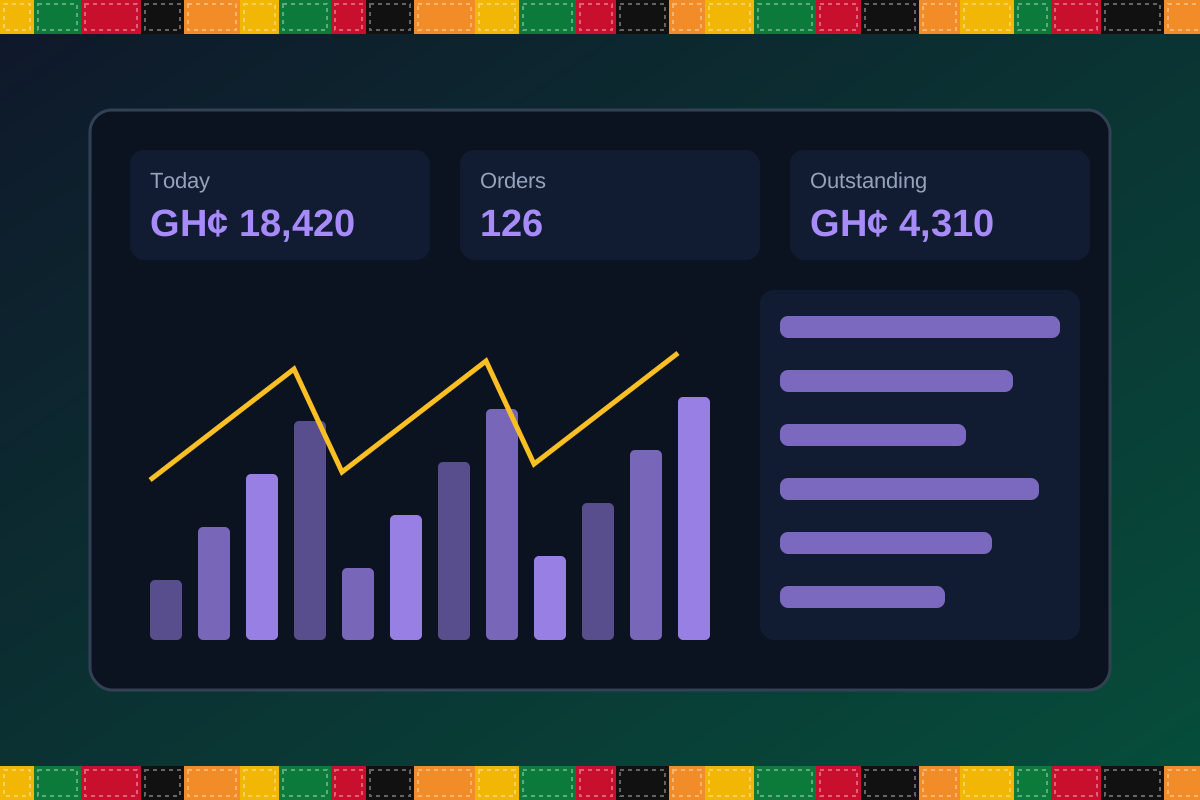
Reports & insight
Dashboard image is illustrative. Report content is agreed during implementation.
Your workflow, step by step
Create modules and lessons.
Register learners or cohorts.
Learners complete lessons and quizzes.
Grade assignments and track results.
Issue certificates and review reports.
Is it right for you?
What you will need
Exact hardware and connectivity are confirmed during your consultation.
Your first win
Launch your first course page and enrol learners.
Scope and timelines are agreed after consultation.
How it works
A practical operating cycle helps your team capture work consistently and gives management a clearer view of what is happening across the organization.
Capture the people, products, services, locations or jobs your operation needs to manage.
Move each transaction through the appropriate operational steps with clear responsibility and status.
Review activity, exceptions, balances and performance using consolidated operational views.
Use reports and historical records to identify bottlenecks, control costs and plan next actions.
Your operation
One clearer picture.
Organized records. Connected processes. Better oversight.
Made to fit your organization
During consultation, TondeSoft can review your current processes, reporting needs, branches, staff roles and deployment preferences to define the right configuration for ElearningERP.
Tell us how your organization works. We will help identify the most suitable modules and implementation approach.
Talk to a TondeSoft ConsultantVisibility & control
Review transaction history, outstanding tasks, operational activity and management summaries in a structured way. Reporting options can be agreed during implementation to reflect the indicators that matter to your team.
Deployment conversation
Whether you operate one location or multiple branches, discuss users, data, devices, integrations, hosting and support needs with our team before deployment.
Request product information ↗Frequently asked questions
A few practical answers to help your team take the next step.
Completion certificates can be configured.
Learner access from mobile devices is supported through responsive design, subject to deployment.
Paid course access and enrolment can be configured.
Live-session links can be added; platform integration is reviewed during scoping.
Content upload options depend on the deployment.
Yes. Cohorts and groups can be configured.
Progress reports can be shared where configured.
Multi-location requirements can be reviewed during configuration, including user access, location-level activity and consolidated management reporting.
Yes. TondeSoft can review your current process, required approvals, reports and user roles to define the appropriate implementation scope.
Contact the TondeSoft team with your organization type, number of users and key requirements. We can then arrange a product discussion and provide a suitable proposal.
Take the next step
Request a tailored walkthrough, discuss your business requirements and find out how TondeSoft can help streamline your operations.