


One connected workspace
Keep essential operational information together instead of relying on disconnected notebooks, spreadsheets and messaging threads.
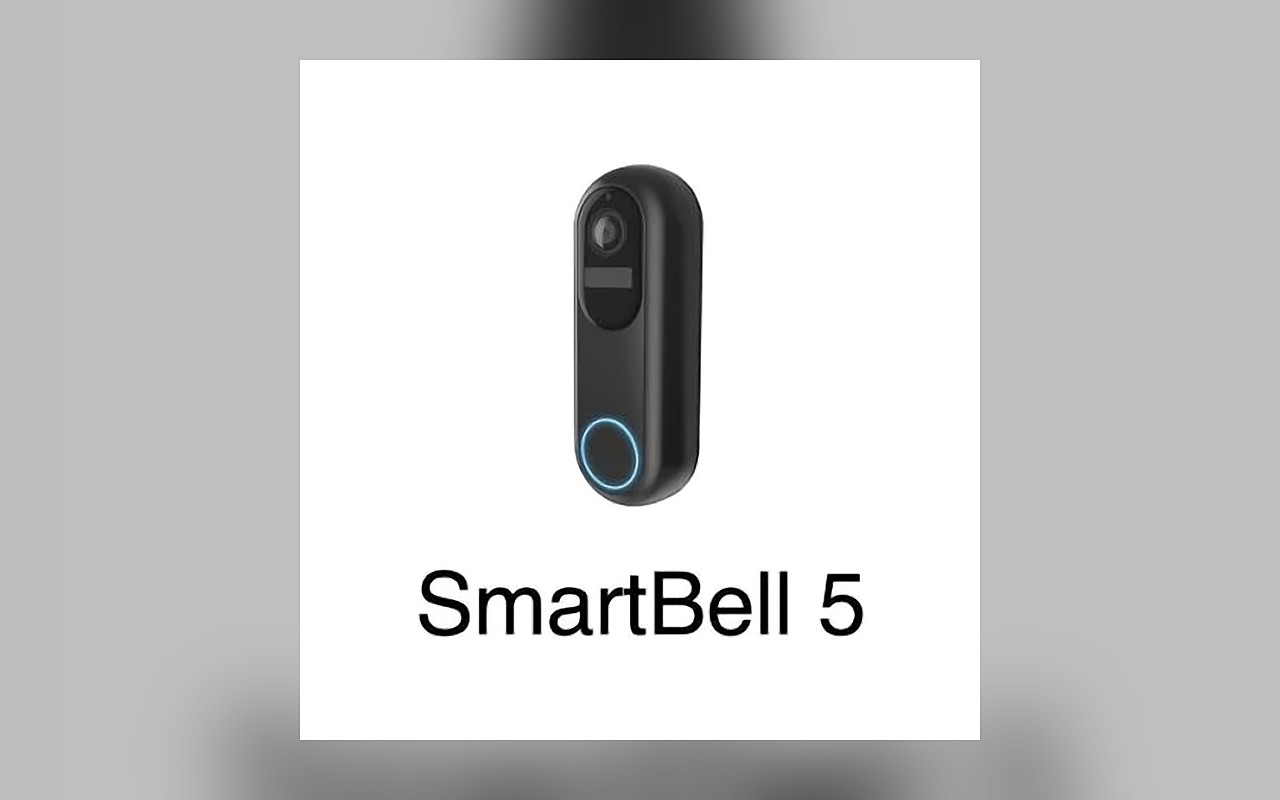
TondeSoft · Smart Security
SmartBell ERP brings visitor management, doorbell events, access alerts and communication records into a connected security workflow.
Manage visitor calls, entry requests, doorbell activity, access notifications and visitor history for connected premises.
Designed for
Smart Security
Product focus
Connected operations
TondeSoft approach
Software that adapts to the way your business works.
A better way to manage
SmartBellERP records visitor calls and entry decisions for homes, offices, schools and gated facilities. Residents and staff are notified, and managers have a history to review.
Ideal for: Homes, offices, apartments, schools and gated facilities.
Keep essential operational information together instead of relying on disconnected notebooks, spreadsheets and messaging threads.
Give team members defined responsibilities and help managers review actions, approvals and outstanding work.
Use structured records and reports to understand activity, identify exceptions and make more informed decisions.
Discuss your branches, approval steps, reports and local operating requirements during product configuration.
Designed around your industry
A useful management system should connect the work people do every day with the information owners and supervisors need to make decisions.
Homes, schools and offices need a reliable record of visitor calls, entry requests and responses at the door.
Capture visitor calls, notify authorized users, record entry decisions and maintain event history for supported devices.
Review visitor activity, missed calls, response times, access events and device availability.
Problems we solve
Calls and alerts reach designated users.
Visitor events are stored with times.
Calls can be routed per unit or office.
Before and after
System capabilities
A closer look at the functions that can support your day-to-day activities. The final module setup can be aligned to your organization’s processes.
Capture visitor activity, route entry requests and maintain an auditable visitor history.
Manage doorbell event history with consistent records, clear ownership and information that can be reviewed by the right team members.
Manage entry alert notifications with consistent records, clear ownership and information that can be reviewed by the right team members.
Turn daily activity into useful summaries for supervisors, owners and management.
Manage user roles and access control with consistent records, clear ownership and information that can be reviewed by the right team members.
Manage operational dashboards with consistent records, clear ownership and information that can be reviewed by the right team members.
Built with African operations in mind
Designed for organizations operating in Ghana and across Africa, where teams may need clear multi-branch oversight, Ghana cedi reporting, Mobile Money and cash collection visibility, SMS or WhatsApp communication, and practical workflows for local operations. Specific integrations and regulatory requirements are confirmed during solution scoping.
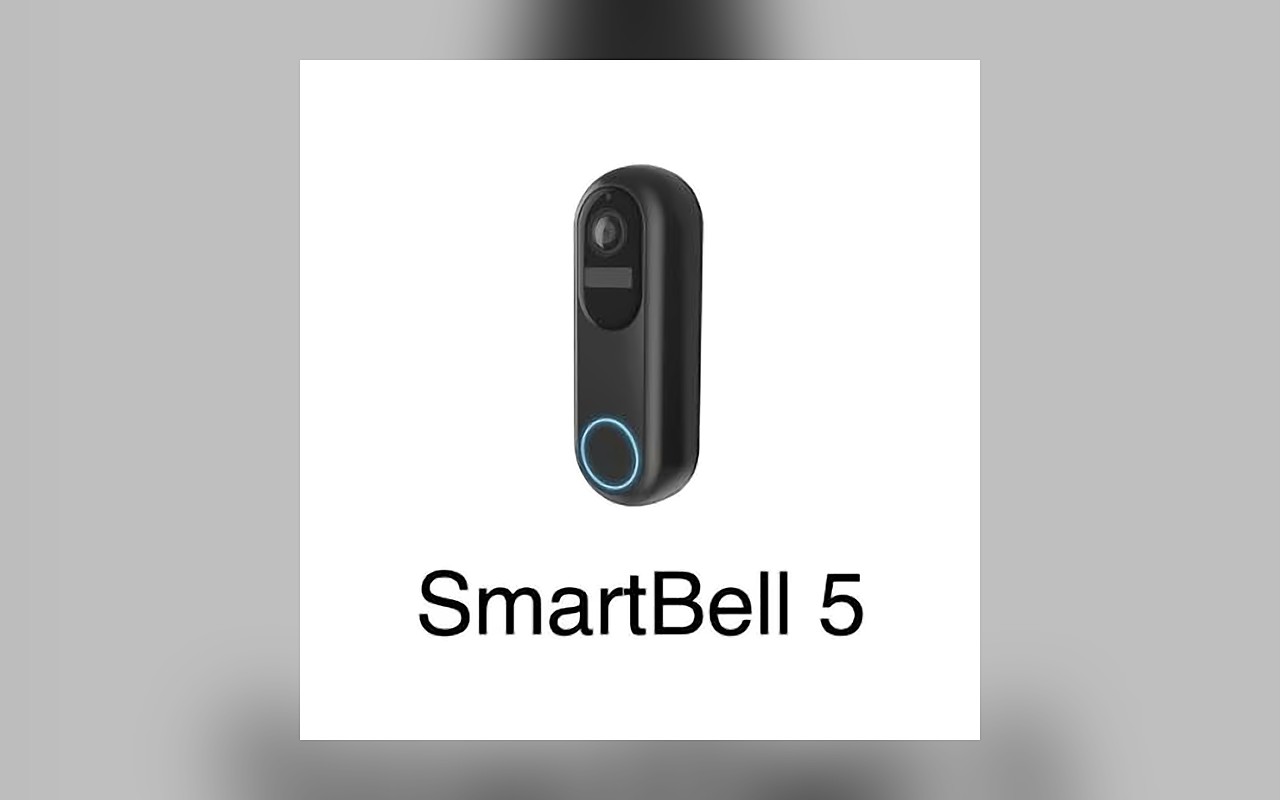
TondeSoft · Ghana
Local understanding. Connected business systems.
A day with SmartBellERP
A visitor presses the doorbell, the resident or receptionist receives the call or alert, grants or declines entry, and the event is stored in the visitor history.
Illustrative scenario. Actual workflows are configured with your team during implementation.
Who uses it
Role-based access helps each person see and do what their job requires.
Reviews visitor activity and device status.
Respond to visitor calls and alerts.
Verify and log visitors.
Reviews agreed summaries.
More capabilities
Receive and answer visitor requests.
Approve or decline access.
Store doorbell and call events.
Notify the right users.
Log names, purpose and time.
Route calls per apartment or office.
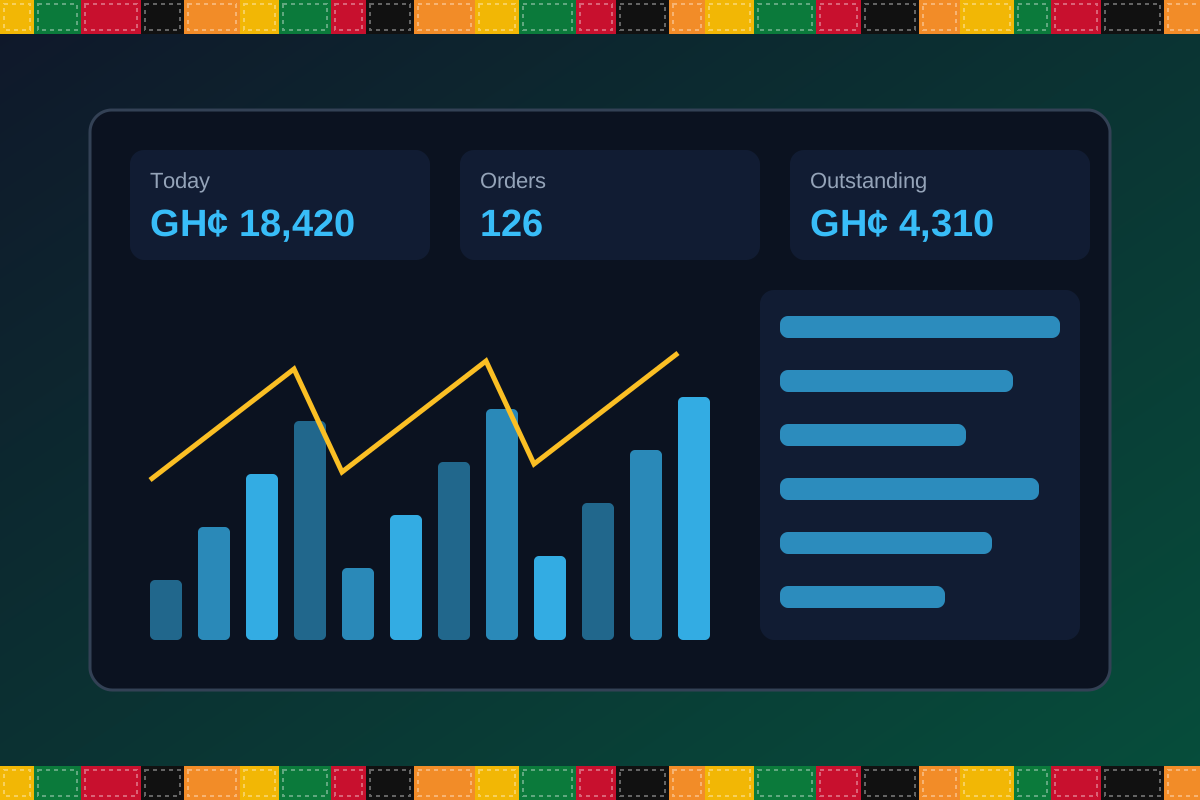
Reports & insight
Dashboard image is illustrative. Report content is agreed during implementation.
Your workflow, step by step
Mount the doorbell and connect it.
A visitor presses the button.
Residents or staff get the alert.
Approve or decline entry.
The event is stored for review.
Is it right for you?
What you will need
Exact hardware and connectivity are confirmed during your consultation.
Your first win
Never miss a visitor again.
Scope and timelines are agreed after consultation.
How it works
A practical operating cycle helps your team capture work consistently and gives management a clearer view of what is happening across the organization.
Capture the people, products, services, locations or jobs your operation needs to manage.
Move each transaction through the appropriate operational steps with clear responsibility and status.
Review activity, exceptions, balances and performance using consolidated operational views.
Use reports and historical records to identify bottlenecks, control costs and plan next actions.
Your operation
One clearer picture.
Organized records. Connected processes. Better oversight.
Made to fit your organization
During consultation, TondeSoft can review your current processes, reporting needs, branches, staff roles and deployment preferences to define the right configuration for SmartBellERP.
Tell us how your organization works. We will help identify the most suitable modules and implementation approach.
Talk to a TondeSoft ConsultantVisibility & control
Review transaction history, outstanding tasks, operational activity and management summaries in a structured way. Reporting options can be agreed during implementation to reflect the indicators that matter to your team.
Deployment conversation
Whether you operate one location or multiple branches, discuss users, data, devices, integrations, hosting and support needs with our team before deployment.
Request product information ↗Frequently asked questions
A few practical answers to help your team take the next step.
Compatibility is confirmed during scoping based on the supported devices.
Alert rules can be configured per unit or user.
Reception or guard-post routing can be configured.
Storage options depend on the devices and plan chosen.
Yes. Users and units can be added.
Visitor history is stored.
Device integration is reviewed during scoping.
Multi-location requirements can be reviewed during configuration, including user access, location-level activity and consolidated management reporting.
Yes. TondeSoft can review your current process, required approvals, reports and user roles to define the appropriate implementation scope.
Contact the TondeSoft team with your organization type, number of users and key requirements. We can then arrange a product discussion and provide a suitable proposal.
Take the next step
Request a tailored walkthrough, discuss your business requirements and find out how TondeSoft can help streamline your operations.