


One connected workspace
Keep essential operational information together instead of relying on disconnected notebooks, spreadsheets and messaging threads.
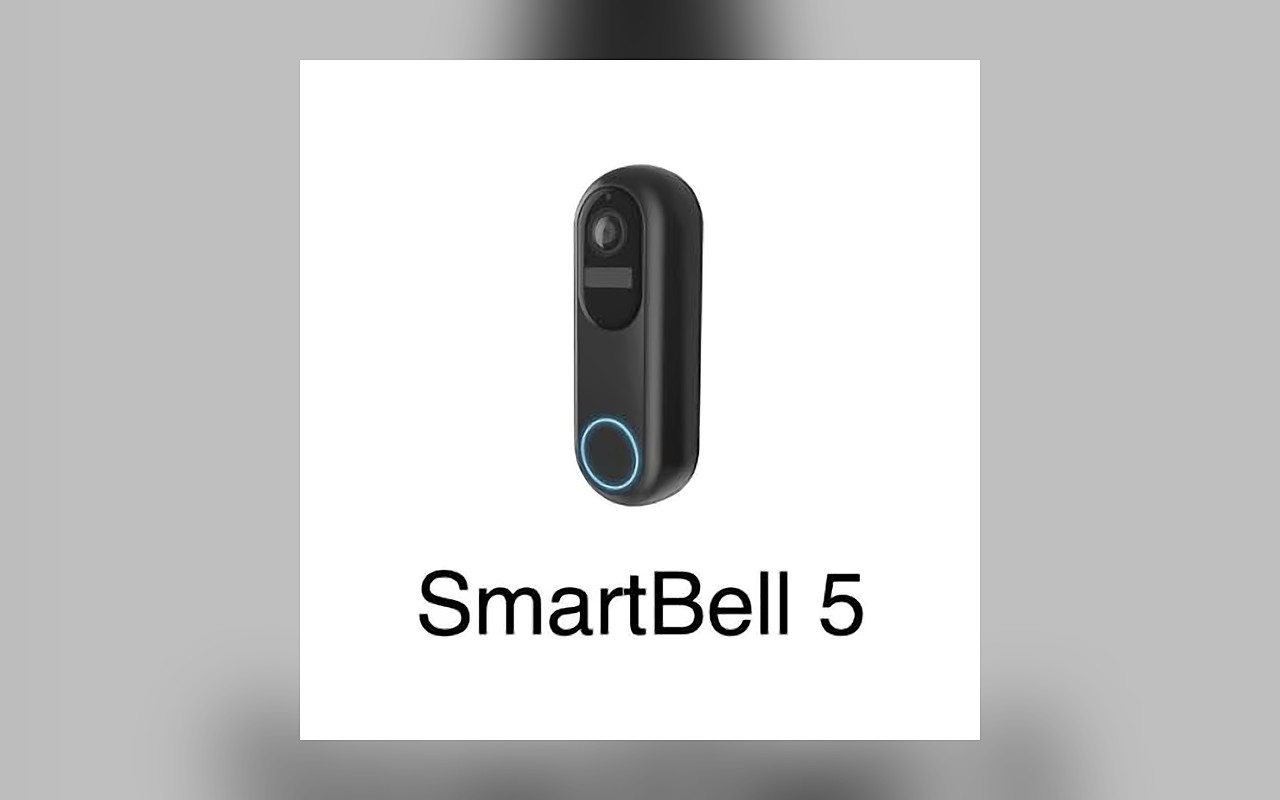
TondeSoft · Sécurité & logistique
Cutting-edge intelligent physical security automation platform. Interfaces with autonomous patrol robots, perimeter cameras, and IoT sensors to perform continuous biometric scanning, license plate logging, thermal hotspot detection, and automated alarms.
Bring security devices, camera events, access alerts, patrol activity and incident response into a central monitoring workflow.
Designed for
Sécurité & logistique
Product focus
Connected operations
TondeSoft approach
Software that adapts to the way your business works.
A better way to manage
The platform brings alerts from supported cameras, sensors, access devices and patrol systems into one console. Operators respond faster, and managers can review what happened and how it was handled.
Ideal for: Gated communities, industrial compounds, mine sites, high-security server farms.
Keep essential operational information together instead of relying on disconnected notebooks, spreadsheets and messaging threads.
Give team members defined responsibilities and help managers review actions, approvals and outstanding work.
Use structured records and reports to understand activity, identify exceptions and make more informed decisions.
Discuss your branches, approval steps, reports and local operating requirements during product configuration.
Designed around your industry
A useful management system should connect the work people do every day with the information owners and supervisors need to make decisions.
Security teams need one view of alerts and incidents from cameras, access devices, sensors and patrol systems.
Centralize supported device events, access notifications, incident records, response assignments and escalation history.
Review alert timelines, incident response, recurring locations, device status and security activity trends.
Problems we solve
A central alert console for supported devices.
Incident assignment, escalation and closure are recorded.
Time-stamped history supports client reporting.
Before and after
System capabilities
A closer look at the functions that can support your day-to-day activities. The final module setup can be aligned to your organization’s processes.
Record patrol checkpoints and exception reports so supervisors can review coverage and response.
Manage automatic license plate recognition (alpr) with consistent records, clear ownership and information that can be reviewed by the right team members.
Manage thermal anomaly & human intruder detection with consistent records, clear ownership and information that can be reviewed by the right team members.
Manage two-way audio intercom & strobe siren alarm with consistent records, clear ownership and information that can be reviewed by the right team members.
Manage central control room video stream hub with consistent records, clear ownership and information that can be reviewed by the right team members.
Manage user roles and access control with consistent records, clear ownership and information that can be reviewed by the right team members.
Module explorer
Search the 9 modules covered in the feature catalogue to find the exact function you need.
Central management view of operational status and key security and administrative indicators.
Structured registers for students, staff, personnel and permanent staff & executives.
Dedicated workflow for recording visitors and controlling gate-pass activity.
Credential generation for school ID cards and corporate security badges.
Biometric access control for managing entry through a controlled gate.
Attendance monitoring in School mode and Time & Attendance Logs in Enterprise mode.
Digital control point for scheduled school bell activity.
Audible shift-change and break-period signals for organisational routines.
Facility and organisation setup, user administration and system configuration.
No module matches that search. Ask us on WhatsApp; custom modules can be built.
Built with African operations in mind
Designed for organizations operating in Ghana and across Africa, where teams may need clear multi-branch oversight, Ghana cedi reporting, Mobile Money and cash collection visibility, SMS or WhatsApp communication, and practical workflows for local operations. Specific integrations and regulatory requirements are confirmed during solution scoping.
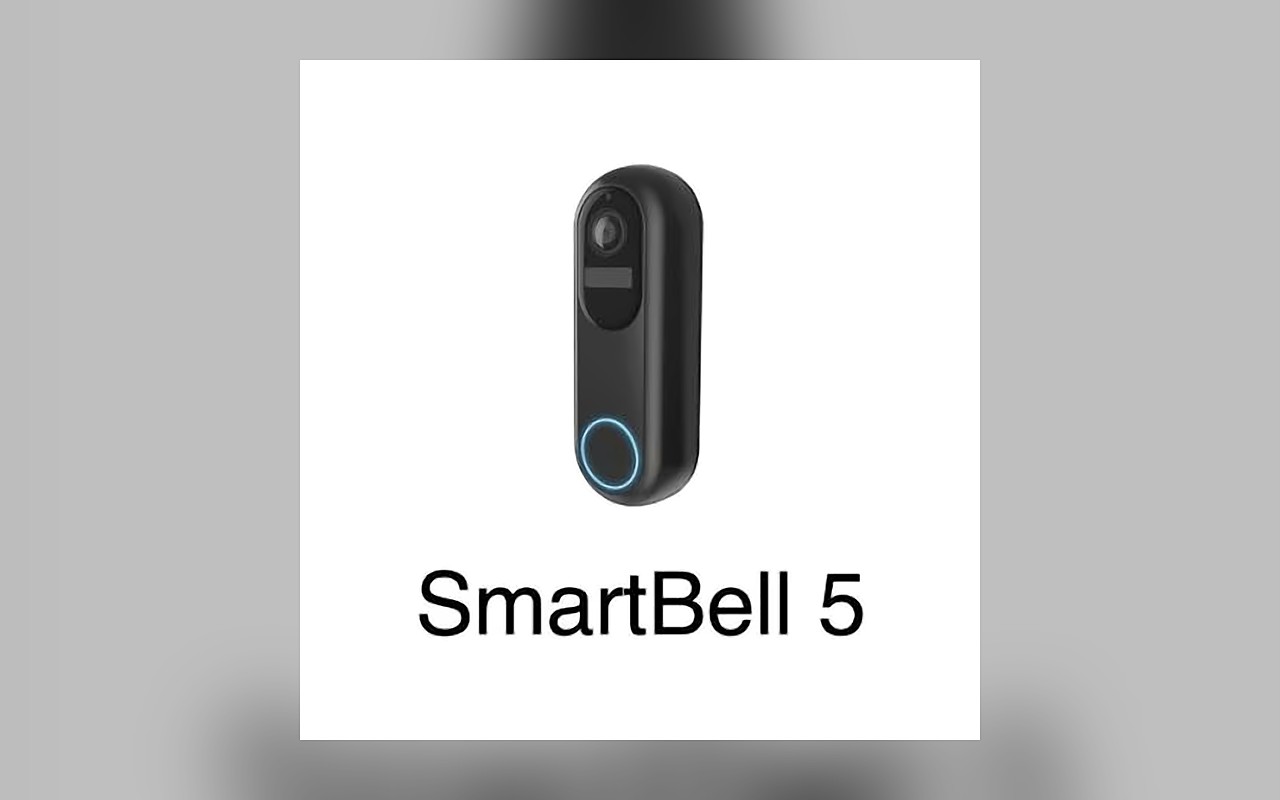
TondeSoft · Ghana
Local understanding. Connected business systems.
A day with DigitalSecurityRobot
A control-room operator sees an alert from a gate sensor, reviews the linked camera event, dispatches a guard, and the incident is closed with notes and a time-stamped history for the client.
Illustrative scenario. Actual workflows are configured with your team during implementation.
Who uses it
Role-based access helps each person see and do what their job requires.
Reviews incidents, trends and device health.
Monitor alerts and assign responses.
Receive tasks and update status.
View agreed incident summaries.
More capabilities
List cameras, sensors, access devices and robots.
Collect alerts from supported devices.
Assign, escalate and close incidents.
Link patrol rounds to events.
Record entries and exits where devices support it.
Share agreed summaries with customers.
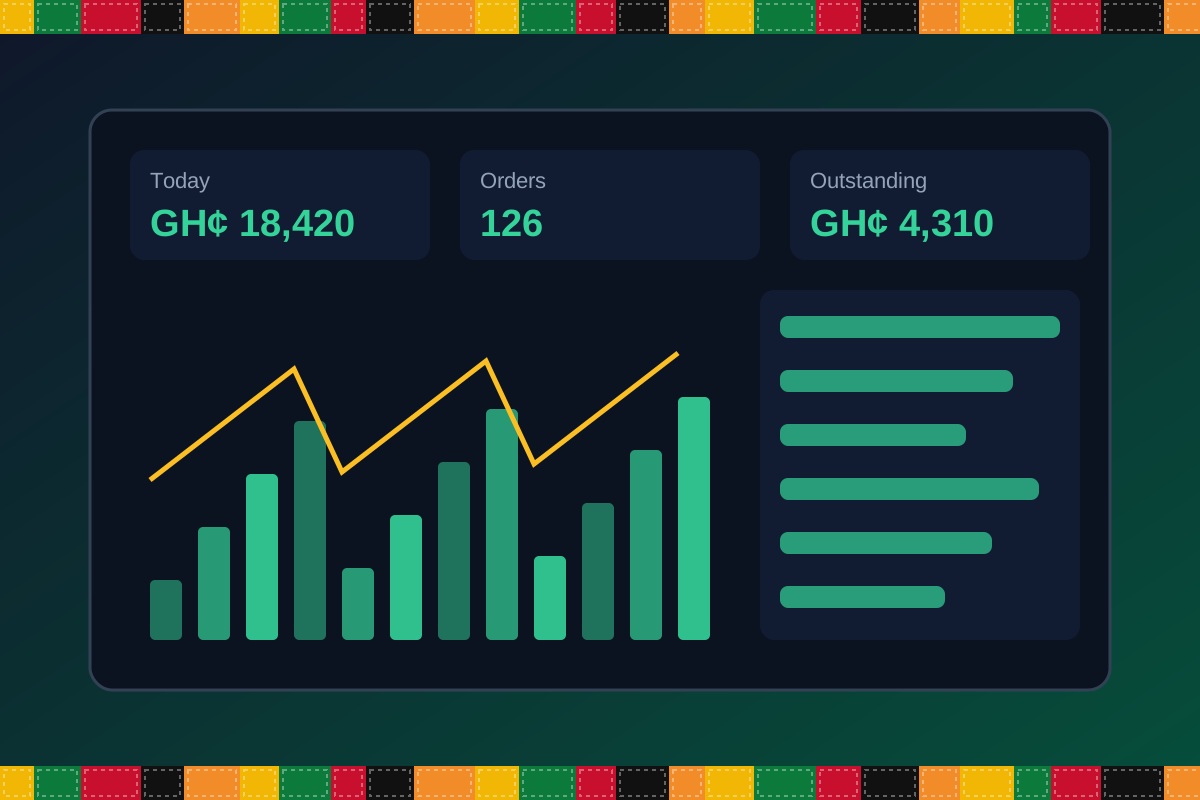
Reports & insight
Dashboard image is illustrative. Report content is agreed during implementation.
Your workflow, step by step
Register supported cameras, sensors and doorbells.
Receive alerts into the console.
Operators review the event.
Assign a guard or contact the client.
Close the incident and share a summary.
Is it right for you?
What you will need
Exact hardware and connectivity are confirmed during your consultation.
Your first win
Have every alert logged with an owner and an outcome.
Scope and timelines are agreed after consultation.
How it works
A practical operating cycle helps your team capture work consistently and gives management a clearer view of what is happening across the organization.
Capture the people, products, services, locations or jobs your operation needs to manage.
Move each transaction through the appropriate operational steps with clear responsibility and status.
Review activity, exceptions, balances and performance using consolidated operational views.
Use reports and historical records to identify bottlenecks, control costs and plan next actions.
Your operation
One clearer picture.
Organized records. Connected processes. Better oversight.
Made to fit your organization
During consultation, TondeSoft can review your current processes, reporting needs, branches, staff roles and deployment preferences to define the right configuration for DigitalSecurityRobot.
Tell us how your organization works. We will help identify the most suitable modules and implementation approach.
Talk to a TondeSoft ConsultantVisibility & control
Review transaction history, outstanding tasks, operational activity and management summaries in a structured way. Reporting options can be agreed during implementation to reflect the indicators that matter to your team.
Deployment conversation
Whether you operate one location or multiple branches, discuss users, data, devices, integrations, hosting and support needs with our team before deployment.
Request product information ↗Frequently asked questions
A few practical answers to help your team take the next step.
Device compatibility is confirmed during scoping based on your equipment and available interfaces.
Yes. Incident assignment and escalation can be configured.
Hardware supply and integration scope are discussed during consultation.
Notification options depend on the supported setup.
Yes. Sites can be grouped and filtered.
Escalation rules can be configured.
Mobile access options are reviewed in scoping.
Multi-location requirements can be reviewed during configuration, including user access, location-level activity and consolidated management reporting.
Yes. TondeSoft can review your current process, required approvals, reports and user roles to define the appropriate implementation scope.
Contact the TondeSoft team with your organization type, number of users and key requirements. We can then arrange a product discussion and provide a suitable proposal.
Take the next step
Request a tailored walkthrough, discuss your business requirements and find out how TondeSoft can help streamline your operations.