


One connected workspace
Keep essential operational information together instead of relying on disconnected notebooks, spreadsheets and messaging threads.

TondeSoft · Opérations d’entreprise
End-to-end marketing management engineered for African commercial enterprises. Integrates multi-channel SMS/WhatsApp broadcasting, lead lifecycle tracking, budget ROI calculation, and pipeline conversion analytics in one unified dashboard.
Plan campaigns, manage leads, coordinate sales pipelines, schedule content, track customer engagement and measure marketing performance.
Designed for
Opérations d’entreprise
Product focus
Connected operations
TondeSoft approach
Software that adapts to the way your business works.
A better way to manage
MarketingERP brings leads, follow-ups, quotations and campaigns together. Sales teams know who to call next, and managers see which channels and campaigns produce paying customers.
Ideal for: B2B commercial firms, FMCG brand agencies, retail distribution networks.
Keep essential operational information together instead of relying on disconnected notebooks, spreadsheets and messaging threads.
Give team members defined responsibilities and help managers review actions, approvals and outstanding work.
Use structured records and reports to understand activity, identify exceptions and make more informed decisions.
Discuss your branches, approval steps, reports and local operating requirements during product configuration.
Designed around your industry
A useful management system should connect the work people do every day with the information owners and supervisors need to make decisions.
Leads, campaign calendars, quotations, sales follow-ups and campaign results can be spread across separate tools.
Capture enquiries, assign sales owners, plan campaigns, schedule content, record interactions and move opportunities through a pipeline.
Compare lead sources, conversion stages, campaign spend, follow-up activity and sales outcomes.
Problems we solve
Every enquiry is logged, assigned and followed up.
Spend and resulting leads or sales are linked.
A shared pipeline shows status and next steps.
Before and after
System capabilities
A closer look at the functions that can support your day-to-day activities. The final module setup can be aligned to your organization’s processes.
Manage whatsapp & sms marketing engine with consistent records, clear ownership and information that can be reviewed by the right team members.
Manage lead attribution & pipeline tracking with consistent records, clear ownership and information that can be reviewed by the right team members.
Plan outreach activity, organize leads and measure engagement and follow-up progress.
Manage client relationship crm hub with consistent records, clear ownership and information that can be reviewed by the right team members.
Manage automated drip follow-ups with consistent records, clear ownership and information that can be reviewed by the right team members.
Manage user roles and access control with consistent records, clear ownership and information that can be reviewed by the right team members.
Module explorer
Search the 14 modules covered in the feature catalogue to find the exact function you need.
A real-time command centre that consolidates sales, marketing, and customer-engagement metrics into a single view.
A prospecting module that helps teams identify and profile potential business opportunities within target markets.
A powerful search engine built into the platform for quickly locating businesses, contacts, leads, or records across the system.
Delivers actionable insights on deals, pipelines, and customer behaviour.
A creative and campaign-management workspace for planning, designing, and launching marketing campaigns across multiple channels.
Teams can respond to every customer from one screen, ensuring no message is missed and every conversation has full context.
A built-in productivity module that helps teams stay organised by assigning tasks, setting deadlines, and triggering reminders.
A workflow-automation engine that lets businesses design rules and triggers to automate repetitive marketing and sales processes — such as lead…
Connects MarketerERP with third-party platforms, payment gateways, and business tools, allowing data to flow seamlessly between systems.
An AI-powered control centre that applies machine learning to customer data, generating smart recommendations, predictive insights, and content…
A centralised repository that stores and organises business data for deep analysis and reporting.
An extensible ecosystem where businesses can discover and install add-on applications and plugins that extend MarketerERP's core functionality…
Provides APIs, SDKs, and developer tools for businesses that wish to build custom features, integrations, or extensions on top of MarketerERP, giving…
Safeguards business and customer data with access controls, audit trails, and compliance features aligned to data-protection best practice.
No module matches that search. Ask us on WhatsApp; custom modules can be built.
Built with African operations in mind
Designed for organizations operating in Ghana and across Africa, where teams may need clear multi-branch oversight, Ghana cedi reporting, Mobile Money and cash collection visibility, SMS or WhatsApp communication, and practical workflows for local operations. Specific integrations and regulatory requirements are confirmed during solution scoping.

TondeSoft · Ghana
Local understanding. Connected business systems.
A day with MarketingERP
A lead comes in from WhatsApp, is assigned to a sales rep, followed up with a quotation, tagged to a campaign, and the marketing head reviews which channels brought the most converted customers.
Illustrative scenario. Actual workflows are configured with your team during implementation.
Who uses it
Role-based access helps each person see and do what their job requires.
Plans campaigns and measures results.
Follow up leads and update pipeline stages.
Schedule and track content activity.
Compare spend, leads and sales outcomes.
More capabilities
Collect enquiries from web, phone, WhatsApp, events and referrals.
Move deals through configurable stages with owners and due dates.
Plan budgets, channels and calendars.
Schedule posts and track approvals.
Create quotes and automated follow-up reminders.
Keep customer profiles and interaction history together.
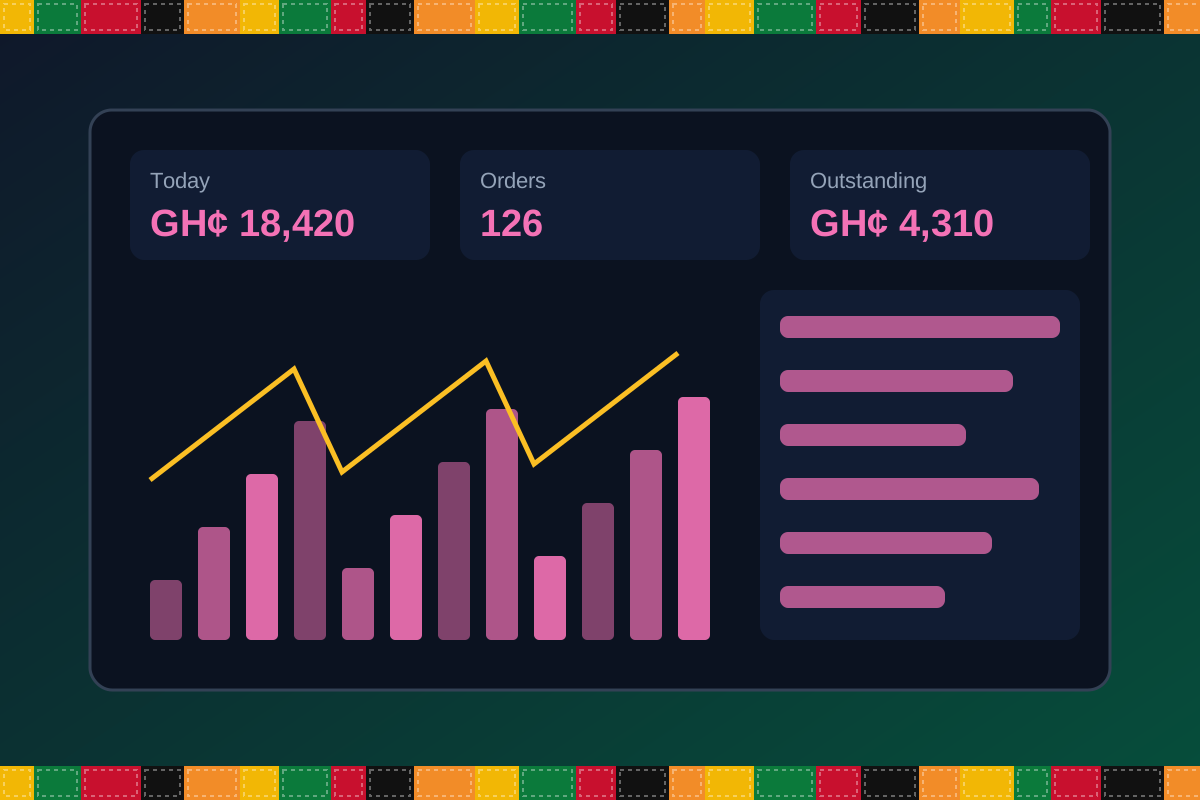
Reports & insight
Dashboard image is illustrative. Report content is agreed during implementation.
Your workflow, step by step
Log leads from every channel.
Assign owners and score interest.
Send proposals and follow up.
Convert to customers and record sales.
Review campaigns and channels.
Is it right for you?
What you will need
Exact hardware and connectivity are confirmed during your consultation.
Your first win
See every open lead and who owns it.
Scope and timelines are agreed after consultation.
How it works
A practical operating cycle helps your team capture work consistently and gives management a clearer view of what is happening across the organization.
Capture the people, products, services, locations or jobs your operation needs to manage.
Move each transaction through the appropriate operational steps with clear responsibility and status.
Review activity, exceptions, balances and performance using consolidated operational views.
Use reports and historical records to identify bottlenecks, control costs and plan next actions.
Your operation
One clearer picture.
Organized records. Connected processes. Better oversight.
Made to fit your organization
During consultation, TondeSoft can review your current processes, reporting needs, branches, staff roles and deployment preferences to define the right configuration for MarketingERP.
Tell us how your organization works. We will help identify the most suitable modules and implementation approach.
Talk to a TondeSoft ConsultantVisibility & control
Review transaction history, outstanding tasks, operational activity and management summaries in a structured way. Reporting options can be agreed during implementation to reflect the indicators that matter to your team.
Deployment conversation
Whether you operate one location or multiple branches, discuss users, data, devices, integrations, hosting and support needs with our team before deployment.
Request product information ↗Frequently asked questions
A few practical answers to help your team take the next step.
Lead sources can be recorded manually and, where supported, captured through integrations scoped for your setup.
Campaign cost and resulting sales can be linked so returns can be reviewed.
Yes. Deals can be assigned and viewed by role.
Messaging can be enabled through supported providers during scoping.
Yes. Contacts can be imported from spreadsheets.
Reminders and tasks can be configured.
Campaigns can be created with budgets and linked leads.
Multi-location requirements can be reviewed during configuration, including user access, location-level activity and consolidated management reporting.
Yes. TondeSoft can review your current process, required approvals, reports and user roles to define the appropriate implementation scope.
Contact the TondeSoft team with your organization type, number of users and key requirements. We can then arrange a product discussion and provide a suitable proposal.
Take the next step
Request a tailored walkthrough, discuss your business requirements and find out how TondeSoft can help streamline your operations.