


One connected workspace
Keep essential operational information together instead of relying on disconnected notebooks, spreadsheets and messaging threads.
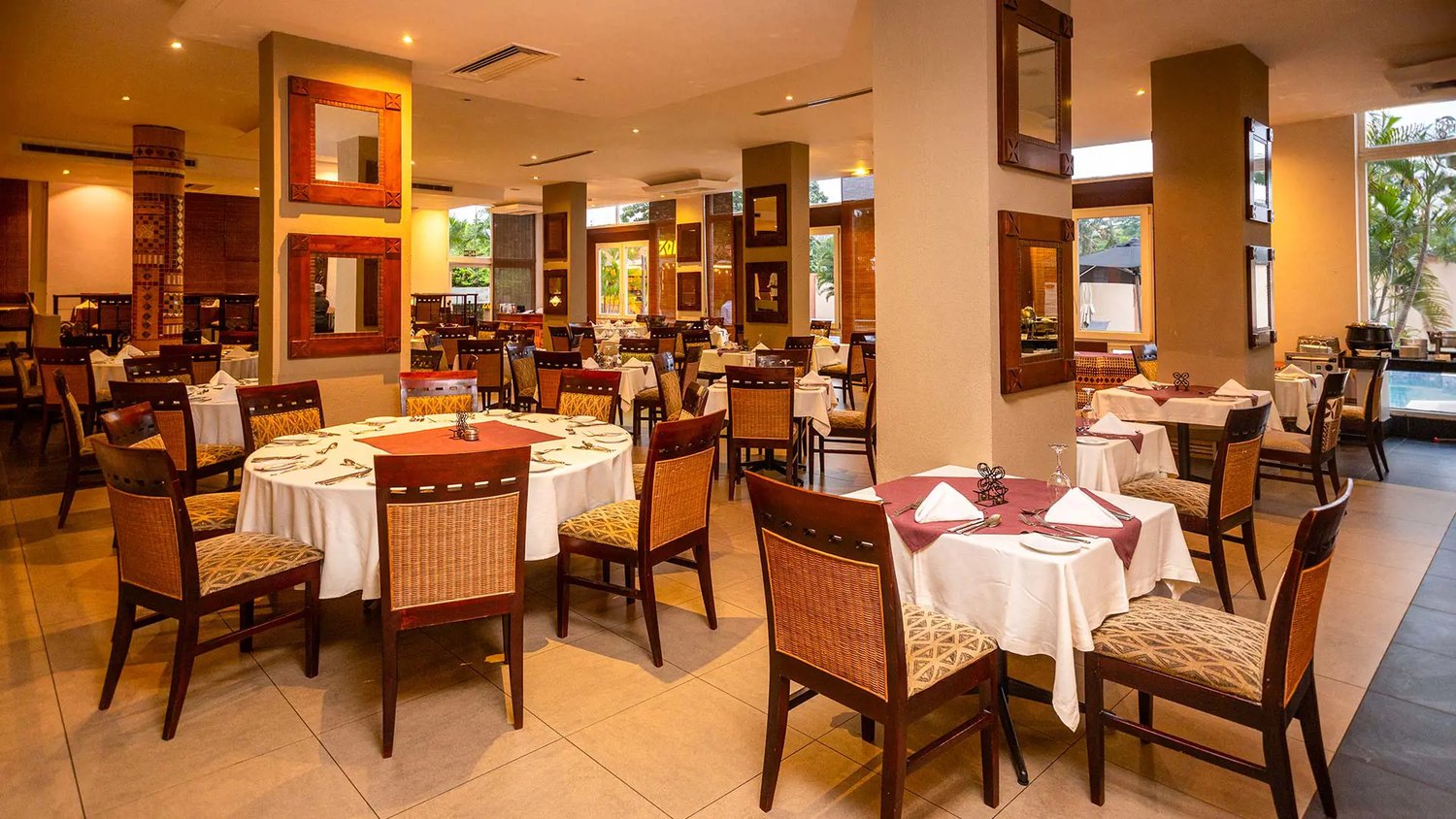
TondeSoft · Retail & Hospitality
High-velocity Point of Sale and inventory reconciliation system built for demanding bars, lounges, and busy restaurants. Tracks bottle-level pours, recipe depletion, kitchen timing, and prevent cashier leakage with dual verification.
Coordinate table service, orders, kitchen production, recipes, stock usage, billing and outlet performance from one operating system.
Designed for
Retail & Hospitality
Product focus
Connected operations
TondeSoft approach
Software that adapts to the way your business works.
A better way to manage
BarRestaurantERP links the floor, the bar, the kitchen and the manager’s office. Orders go straight to where they are prepared, stock is deducted by recipe and bottle measure, and every payment is tied to the cashier who took it.
Ideal for: Restaurants, night clubs, sports lounges, boutique bistros, fast-food chains.
Keep essential operational information together instead of relying on disconnected notebooks, spreadsheets and messaging threads.
Give team members defined responsibilities and help managers review actions, approvals and outstanding work.
Use structured records and reports to understand activity, identify exceptions and make more informed decisions.
Discuss your branches, approval steps, reports and local operating requirements during product configuration.
Designed around your industry
A useful management system should connect the work people do every day with the information owners and supervisors need to make decisions.
Busy service periods can leave orders, kitchen tickets, table bills, recipes and stock records scattered across different people and paper slips.
Follow a guest order from table or takeaway counter to kitchen preparation, service, payment and end-of-shift cash-up.
Review sales by menu item, outlet, cashier and shift; compare ingredient usage with recipes and investigate wastage.
Problems we solve
Bottle and tot usage is compared with recorded sales so gaps are visible by shift and by staff member.
Orders appear on a kitchen screen or printer with times, so preparation is tracked from order to table.
Bills can be split by item or person and paid by cash, card or Mobile Money, each recorded separately.
Before and after
System capabilities
A closer look at the functions that can support your day-to-day activities. The final module setup can be aligned to your organization’s processes.
Manage lightning touch pos & mobile order with consistent records, clear ownership and information that can be reviewed by the right team members.
Manage kitchen display system (kds) with consistent records, clear ownership and information that can be reviewed by the right team members.
Manage real-time liquor & recipe portions with consistent records, clear ownership and information that can be reviewed by the right team members.
Manage split billing & mobile money checkout with consistent records, clear ownership and information that can be reviewed by the right team members.
Manage end-of-shift reconciliation with consistent records, clear ownership and information that can be reviewed by the right team members.
Manage user roles and access control with consistent records, clear ownership and information that can be reviewed by the right team members.
Module explorer
Search the 45 modules covered in the feature catalogue to find the exact function you need.
A real-time overview of daily sales, orders, table status, and staff activity, giving managers instant visibility into how the restaurant or bar is…
A fast, intuitive POS for taking orders, processing payments, and printing receipts at the counter, bar, or table, built to keep queues moving during…
Sends orders straight from the POS to kitchen screens in real time, eliminating paper tickets and helping chefs prioritise and track preparation…
Centralises all dine-in, takeaway, and delivery orders in one place, so staff can track status from placement to fulfilment.
Manages table bookings and walk-in reservations, reducing double-bookings and helping front-of-house plan seating in advance.
Tracks cash drawer opening and closing balances for each staff shift, with variance reporting to keep till management accountable and accurate.
Digitises opening, closing, and routine operational checklists, ensuring hygiene, safety, and service standards are consistently followed every shift.
RestaurantERP's built-in AI assistant, helping staff and managers quickly pull reports, find records, and get guided answers from within the system.
Maintains a database of customer profiles and order history, enabling personalised service and targeted marketing.
Rewards repeat customers with points on purchases that can be redeemed for discounts or perks, encouraging customer retention.
Creates and manages promotional discounts, vouchers, and special offers, applied automatically or manually at checkout.
Captures customer feedback and complaints in a structured way, helping management identify service issues and respond promptly.
Tracks stock levels of ingredients and supplies in real time, alerting managers before items run out or expire.
Organises menu items, ingredients, and products into categories for easier navigation, ordering, and reporting.
Defines standard recipes and bills of materials for each dish, linking ingredient usage directly to sales for accurate costing.
Logs wasted or spoiled stock with reasons and quantities, giving visibility into losses and opportunities to improve efficiency.
Maintains a directory of suppliers with contact details, pricing, and order history for streamlined procurement.
Creates and tracks purchase orders to suppliers from request through to delivery, keeping procurement organised and auditable.
Manages the movement of stock between branches, stores, or kitchen sections, keeping inventory records accurate across locations.
Maps and manages the restaurant floor plan, table numbers, and seating capacity, linking directly to orders and reservations.
Supports scheduled physical stock counts, comparing actual quantities against system records to catch discrepancies early.
A complete accounting module covering income, expenses, and financial statements, giving owners a clear picture of business performance.
Processes and records customer payments across cash, card, and mobile money, consolidating all revenue streams in one place.
Tracks operational expenses such as utilities, rent, and supplies, categorised for clear cost analysis.
Manages payments owed to suppliers, including due dates and payment history, to maintain healthy vendor relationships.
Automates staff salary calculations, deductions, and payment processing, reducing manual payroll administration.
Records and distributes tips and gratuities among staff fairly and transparently.
Tracks restaurant equipment, furniture, and property assets, including depreciation and maintenance schedules.
Issues, sells, and redeems gift cards, with balance tracking integrated directly into the POS.
Automates recurring expenses such as rent, subscriptions, and utility bills, ensuring nothing is missed or paid late.
Manages small day-to-day cash expenditures with logging and reconciliation to maintain accountability.
Matches recorded transactions against bank statements to ensure the books stay accurate and discrepancies are caught quickly.
Integrates with the Ghana Revenue Authority's e-VAT system for seamless, compliant value-added tax invoicing and reporting.
Generates detailed sales, financial, and operational reports to support informed, data-driven business decisions.
Logs health and safety inspection records and results, helping the business stay audit-ready and compliant with food safety regulations.
Synchronises relevant operational and health-related data with the DHIS2 platform, supporting regulatory and public health reporting requirements.
Maintains staff profiles, roles, and employment details, forming the foundation for scheduling, payroll, and performance tracking.
Tracks staff clock-in and clock-out times, supporting accurate shift records and
Sends automated alerts for low stock, order updates, shift reminders, and other key events, keeping the team informed in real time.
Records a detailed history of system actions and changes, providing accountability and traceability across the platform.
Configures core business settings such as branch details, tax rates, currency, and other system-wide defaults.
Customises the RestaurantERP system to match each business's preferences, workflows, and operational needs.
Manages multiple restaurant or bar locations from a single system, with centralised oversight and branch-level reporting.
Controls system access with role-based permissions, ensuring staff and managers only see and do what they are authorised to.
Provides controlled tools for archiving or permanently removing outdated system data, helping maintain a clean and efficient database.
No module matches that search. Ask us on WhatsApp; custom modules can be built.
Built with African operations in mind
Designed for organizations operating in Ghana and across Africa, where teams may need clear multi-branch oversight, Ghana cedi reporting, Mobile Money and cash collection visibility, SMS or WhatsApp communication, and practical workflows for local operations. Specific integrations and regulatory requirements are confirmed during solution scoping.
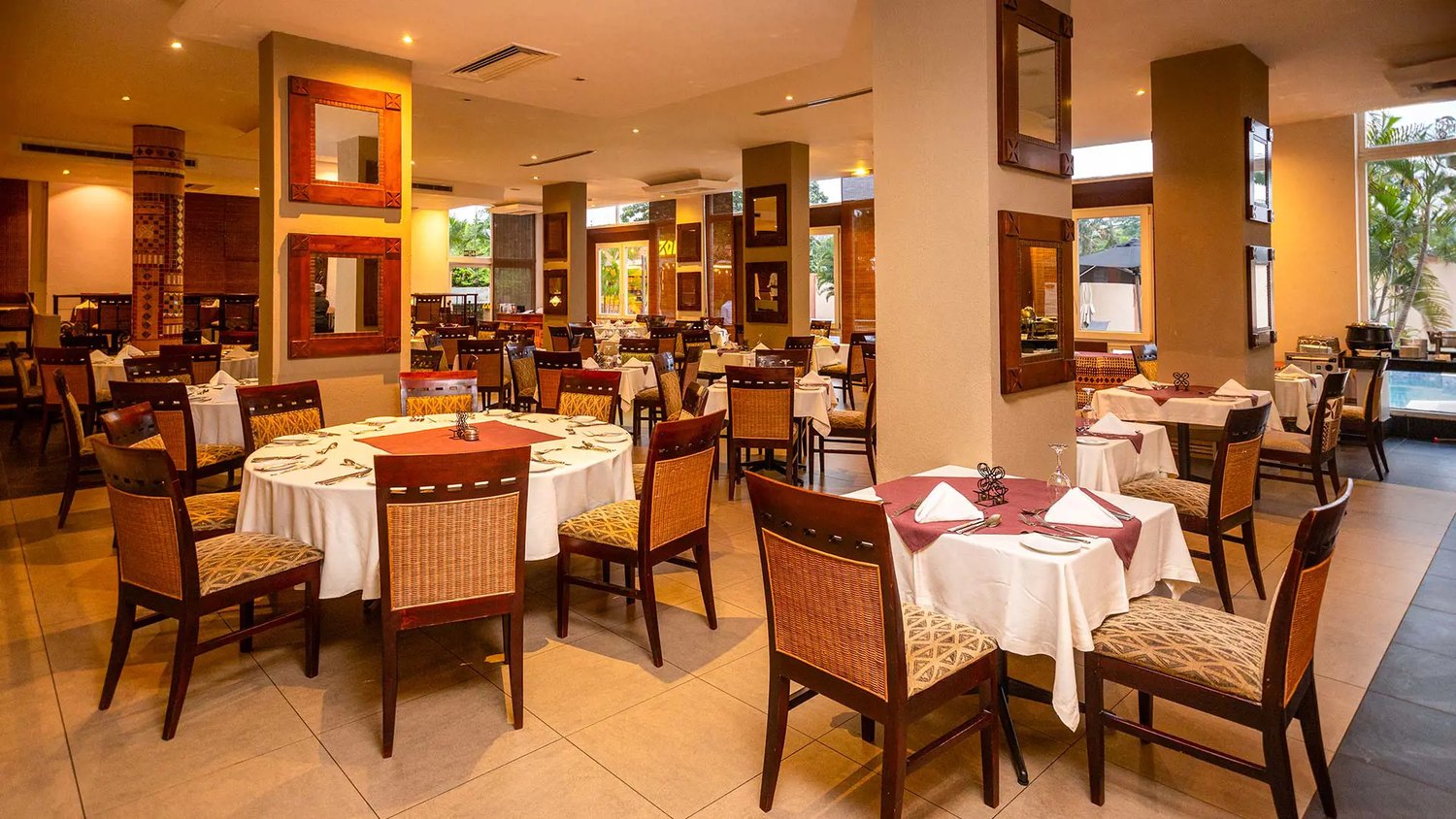
TondeSoft · Ghana
Local understanding. Connected business systems.
A day with BarRestaurantERP
Friday evening: a waiter opens a table on a tablet, sends drinks to the bar and food to the kitchen screen, splits the bill between four guests who pay by cash and Mobile Money, and the manager closes the shift knowing exactly how many bottles and portions were used.
Illustrative scenario. Actual workflows are configured with your team during implementation.
Who uses it
Role-based access helps each person see and do what their job requires.
Reviews sales, cost of goods and wastage by outlet and shift.
Takes orders, opens and closes tables, splits bills and receipts payments.
Receive tickets, prepare orders and record ingredient or bottle usage.
Receives supplies, issues stock to bar and kitchen and runs counts.
More capabilities
Lay out tables, assign waiters, transfer or merge tables and track open orders.
Link menu items to ingredients so portion cost and margin are visible.
Schedule time-based prices and promotions without changing the menu manually.
Keep approved customer tabs, deposits and settlement history.
Record party and event bookings with deposits and menu choices.
Compare bars, restaurants or branches from one management view.
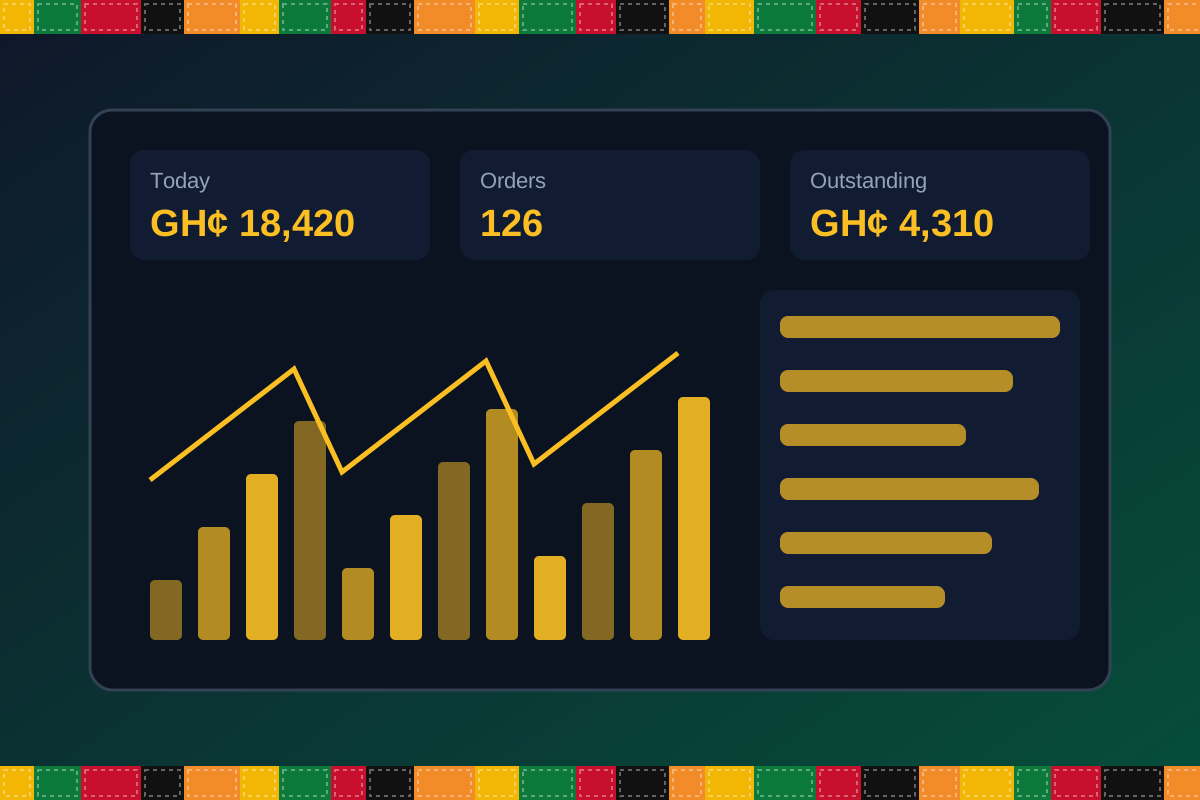
Reports & insight
Dashboard image is illustrative. Report content is agreed during implementation.
Your workflow, step by step
Open a table, add items and modifiers, and send them to bar and kitchen.
Kitchen and bar see tickets in order, and staff mark items ready.
Split bills, apply approved discounts and take cash, card or Mobile Money.
Ingredients and bottle measures reduce stock automatically.
Cashiers reconcile and managers review sales, voids and variances.
Is it right for you?
What you will need
Exact hardware and connectivity are confirmed during your consultation.
Your first win
See last night’s sales by waiter and item without a calculator.
Scope and timelines are agreed after consultation.
How it works
A practical operating cycle helps your team capture work consistently and gives management a clearer view of what is happening across the organization.
Capture the people, products, services, locations or jobs your operation needs to manage.
Move each transaction through the appropriate operational steps with clear responsibility and status.
Review activity, exceptions, balances and performance using consolidated operational views.
Use reports and historical records to identify bottlenecks, control costs and plan next actions.
Your operation
One clearer picture.
Organized records. Connected processes. Better oversight.
Made to fit your organization
During consultation, TondeSoft can review your current processes, reporting needs, branches, staff roles and deployment preferences to define the right configuration for BarRestaurantERP.
Tell us how your organization works. We will help identify the most suitable modules and implementation approach.
Talk to a TondeSoft ConsultantVisibility & control
Review transaction history, outstanding tasks, operational activity and management summaries in a structured way. Reporting options can be agreed during implementation to reflect the indicators that matter to your team.
Deployment conversation
Whether you operate one location or multiple branches, discuss users, data, devices, integrations, hosting and support needs with our team before deployment.
Request product information ↗Frequently asked questions
A few practical answers to help your team take the next step.
Mobile ordering devices can be included in the deployment plan depending on your network and hardware.
Yes. Bottle, tot and recipe-based usage can be compared with recorded sales so variances can be investigated.
Time-based pricing and promotions can be configured for specific items or categories.
Dashboards can be viewed by authorized managers from a browser, subject to your hosting setup.
Yes. Items can route to different preparation points with separate stock locations.
Bottle and measure-based stock control can be configured for spirits and drinks.
Offline or low-connectivity options depend on the deployment type and are reviewed during scoping.
Multi-location requirements can be reviewed during configuration, including user access, location-level activity and consolidated management reporting.
Yes. TondeSoft can review your current process, required approvals, reports and user roles to define the appropriate implementation scope.
Contact the TondeSoft team with your organization type, number of users and key requirements. We can then arrange a product discussion and provide a suitable proposal.
Take the next step
Request a tailored walkthrough, discuss your business requirements and find out how TondeSoft can help streamline your operations.